Receipt AI now supports Australian phone numbers.
If your team is in Australia, you can send receipts to Receipt AI by SMS. You can also upload receipts by email, web, or WhatsApp.
Quick Answer
Australian teams can use Receipt AI to collect receipts and prepare them for Xero.
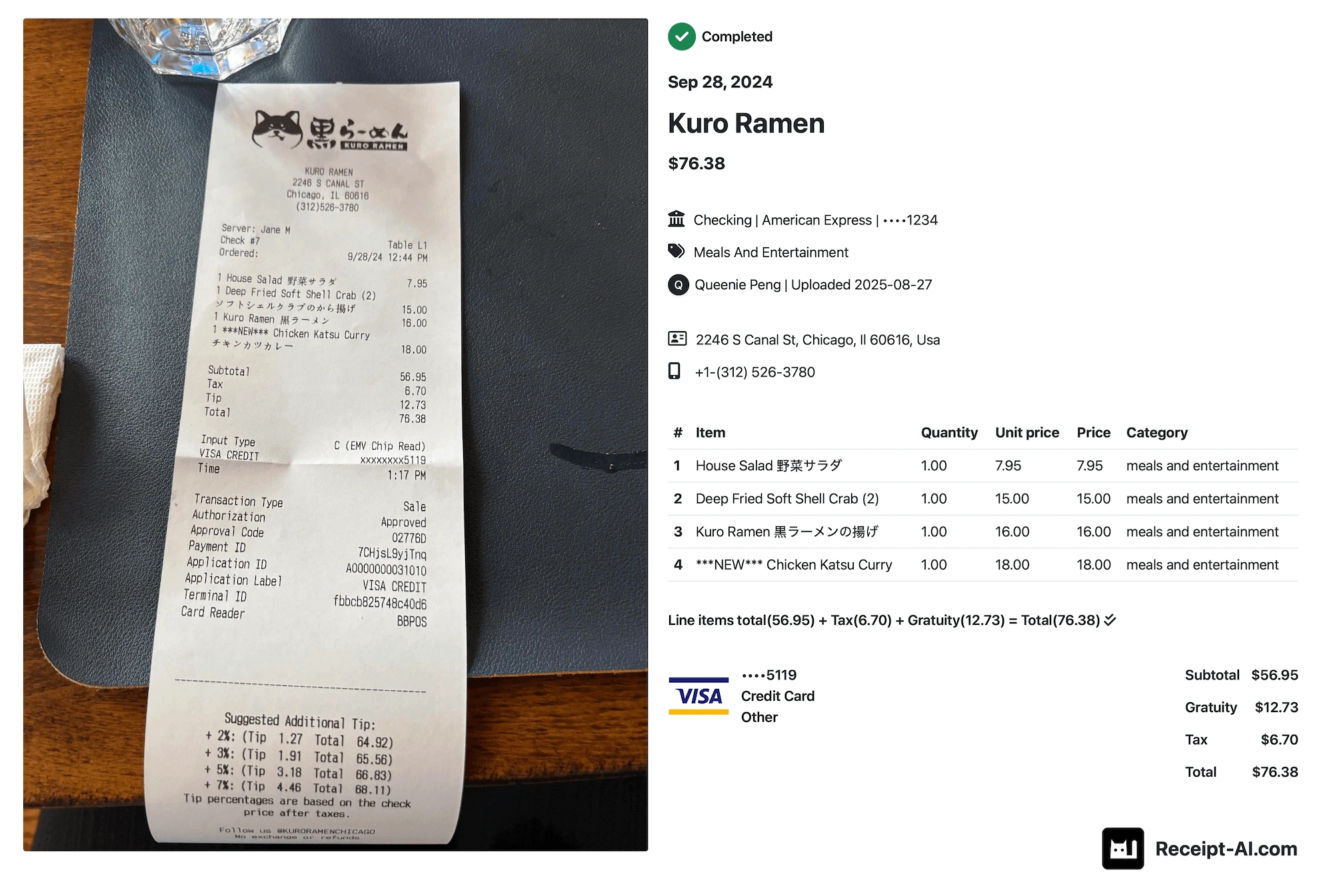
Receipt AI can extract:
- Vendor
- Date
- Total
- Line items
- Payment details
- Receipt image
If you use Xero, Receipt AI can also map vendors, chart of accounts, and tax codes.
SMS receipt upload now supports Australia
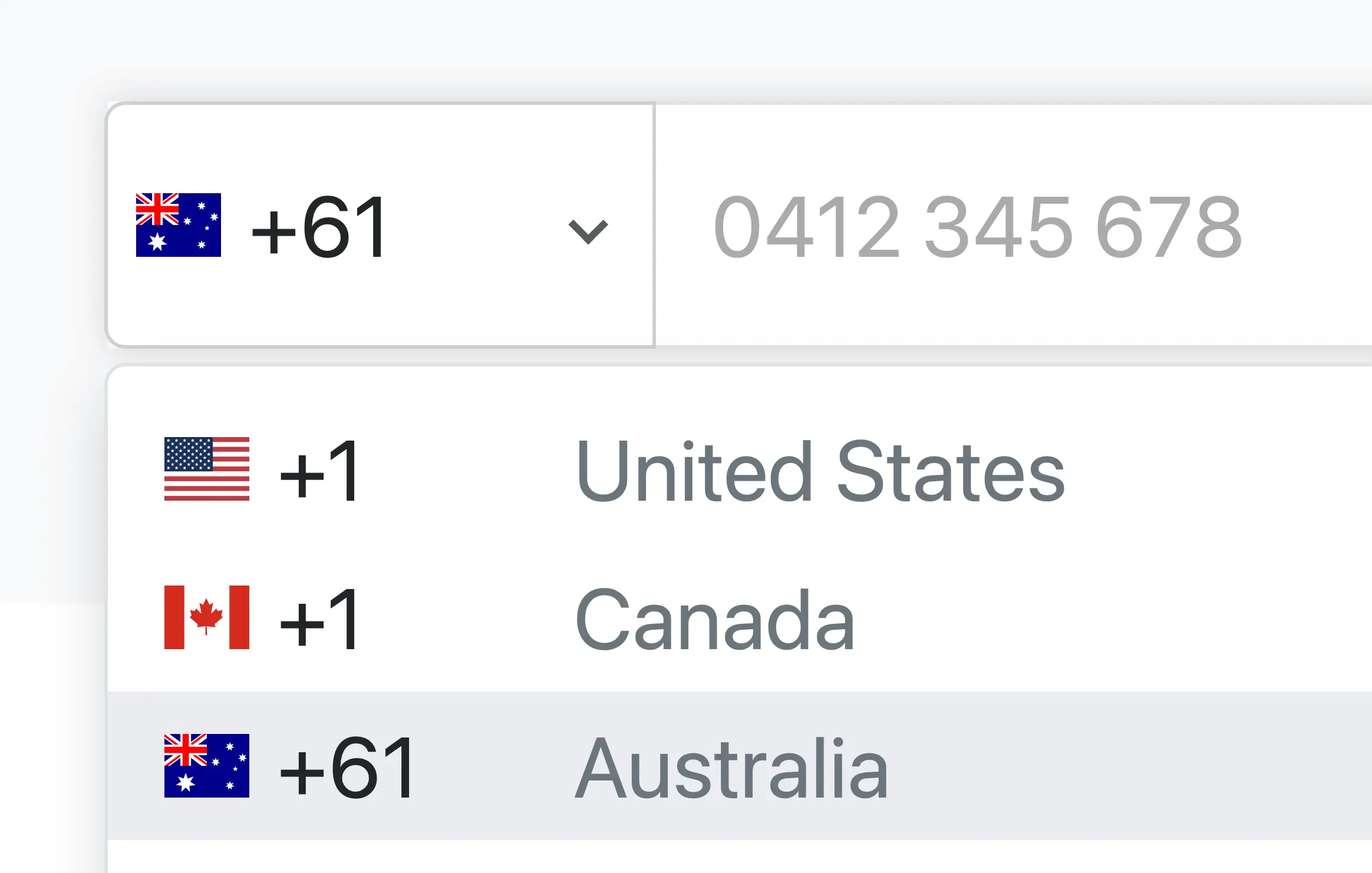
Add an Australian phone number with country code +61 in Receipt AI to send receipts using SMS.
Can I Use an Australian Phone Number?
Yes. Receipt AI supports Australian phone numbers for SMS receipt uploads. Add your +61 phone number in onboarding or Edit Profile, then start sending receipts by SMS.
Why GST Matters
Many Australian receipts include GST.
For GST-registered businesses, GST on eligible business purchases may be claimed back as GST credits.
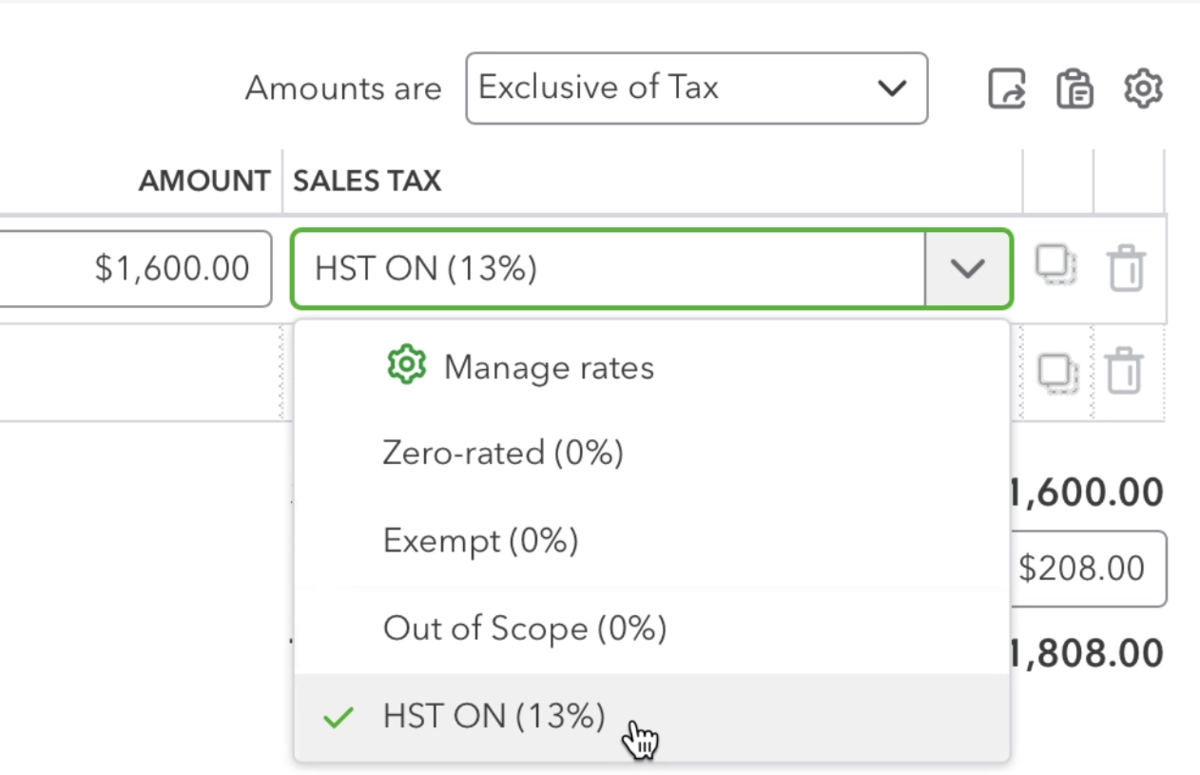
That is why the tax code matters. It tells Xero how to treat the GST on the receipt.
If the receipt shows a clear GST rate, Receipt AI can apply the tax code before syncing to Xero.
If the tax rate is unclear, Receipt AI asks you to review it first.
Does This Work With Xero GST?
Yes. If your Xero account uses GST tax rates, Receipt AI can help map receipts to the right tax code before syncing.
How It Works With Xero
- Send the receipt by SMS, email, web, or WhatsApp.
- Receipt AI extracts the receipt details.
- Smart matching maps the vendor and chart of accounts.
- Receipt AI applies the tax code if the GST rate is clear.
- Review the receipt if needed.
- Sync it to Xero.
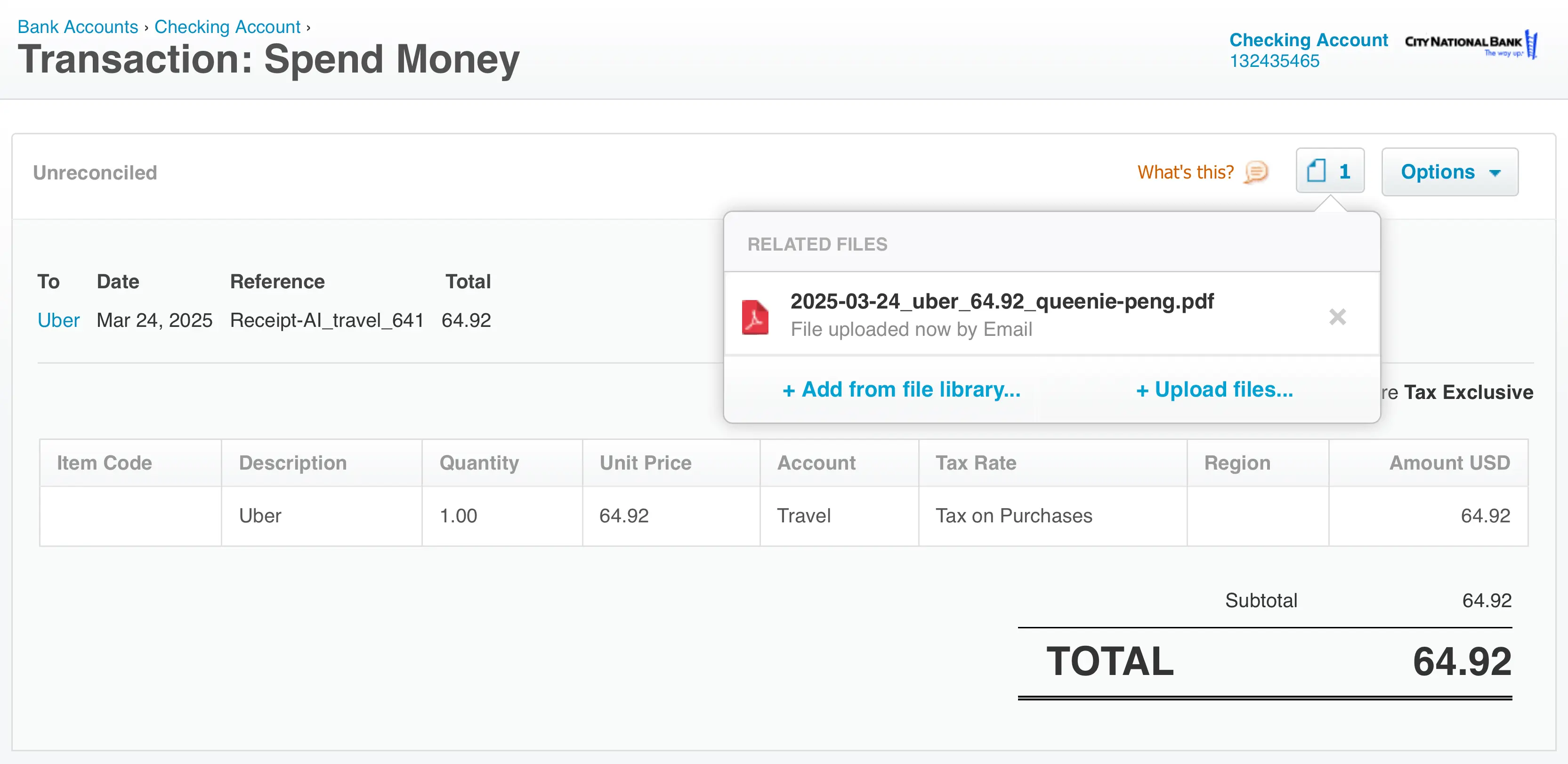
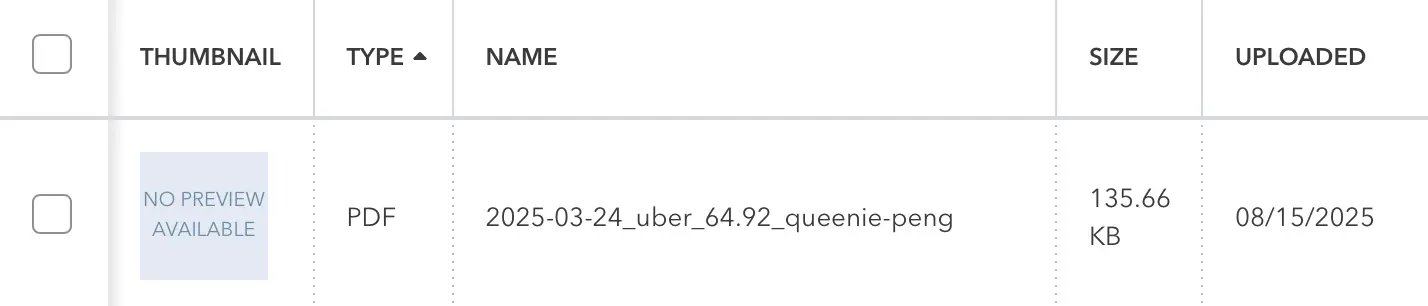
Depending on your settings, the receipt can appear in Xero Files or in Account Transactions.
In Account Transactions, it can appear as a Spend Money or Receive Money transaction, depending on the total.
If you edit the receipt after it syncs, update it in Receipt AI. It can sync the change without creating duplicates.
Best For Australian Teams Using Xero
This is useful when receipts happen away from a desk.
A team member can take a photo of a receipt and send it from an Australian phone number.
The back office gets the receipt image, line items, chart of accounts, tax code, and total in one place.
Helpful Reference
The Australian Taxation Office explains that registered businesses may be able to claim GST credits for GST included in eligible business purchases.
Learn more from the Australian Taxation Office - "Claiming GST credits"
[]
Related Guides
- How to Upload Receipts Using Receipt AI
- How to Scan Receipts Into Xero
- How Receipts Appear in Xero with Receipt AI
- How Receipt AI Syncs Tax Codes to QuickBooks Online and Xero
Use an Australian Phone Number
Add your Australian phone number in Receipt AI, then send your first receipt.