Tuesday, April 14, 2026
Introducing Smart Vendor Matching: Fix messy vendors at the source
Share this article:
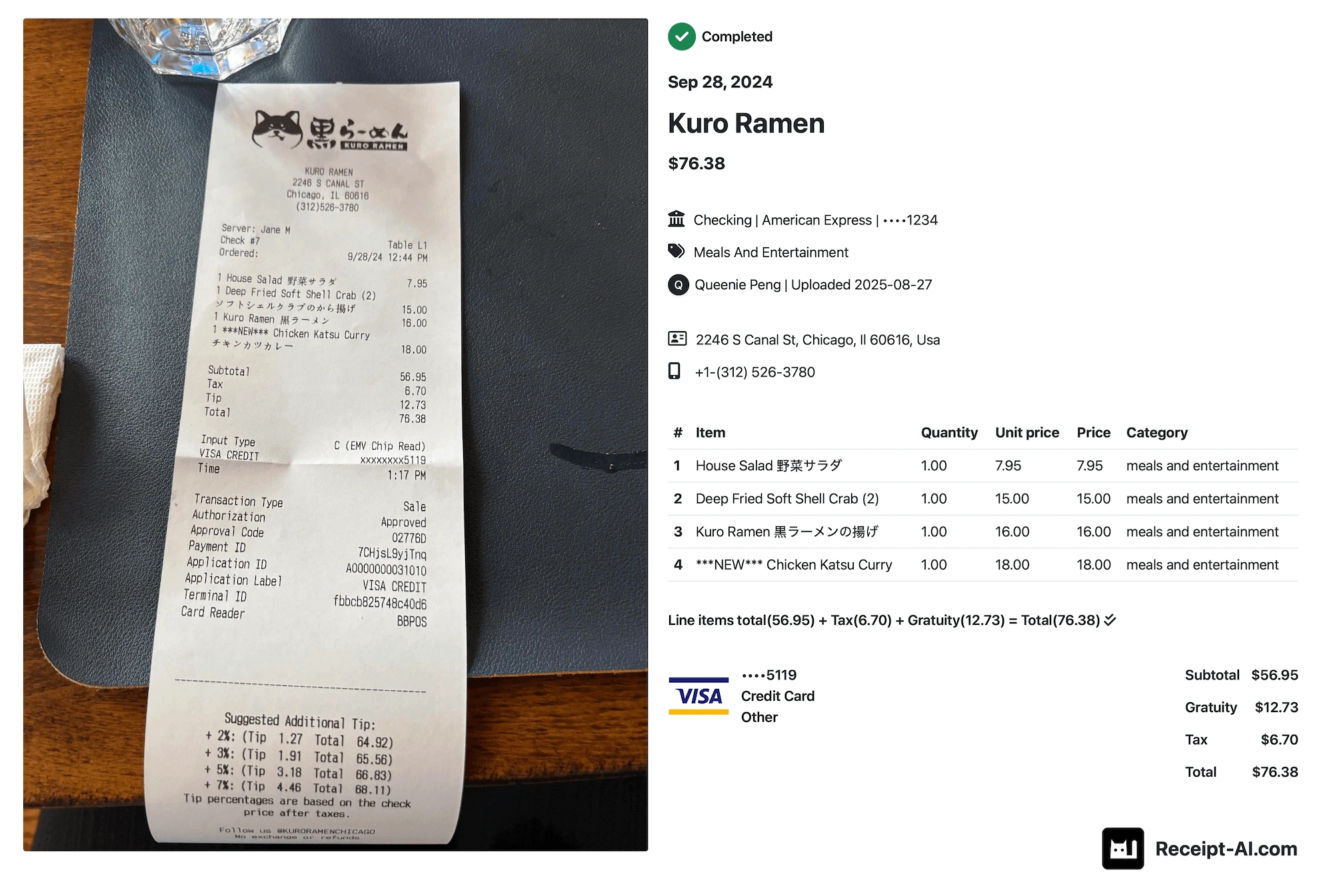
Have you ever noticed this on a receipt?
The same company can show up in your accounting data under five different names:
- Amazon
- amazon.com
- Amazon Prime
- Amazon Marketplace
And when it’s time to run a report, you’re staring at a mess of duplicate vendors.
It’s not just messy, it breaks your data
This isn’t just “a bit messy.” It creates real problems:
- Your reports aren’t accurate
- You don’t actually know how much you spent with a vendor
- You end up doing manual cleanup every month
- Everyone on your team enters vendors differently
The ironic part? You’re using “automated” tools… and still doing manual work.
Introducing smart vendor matching
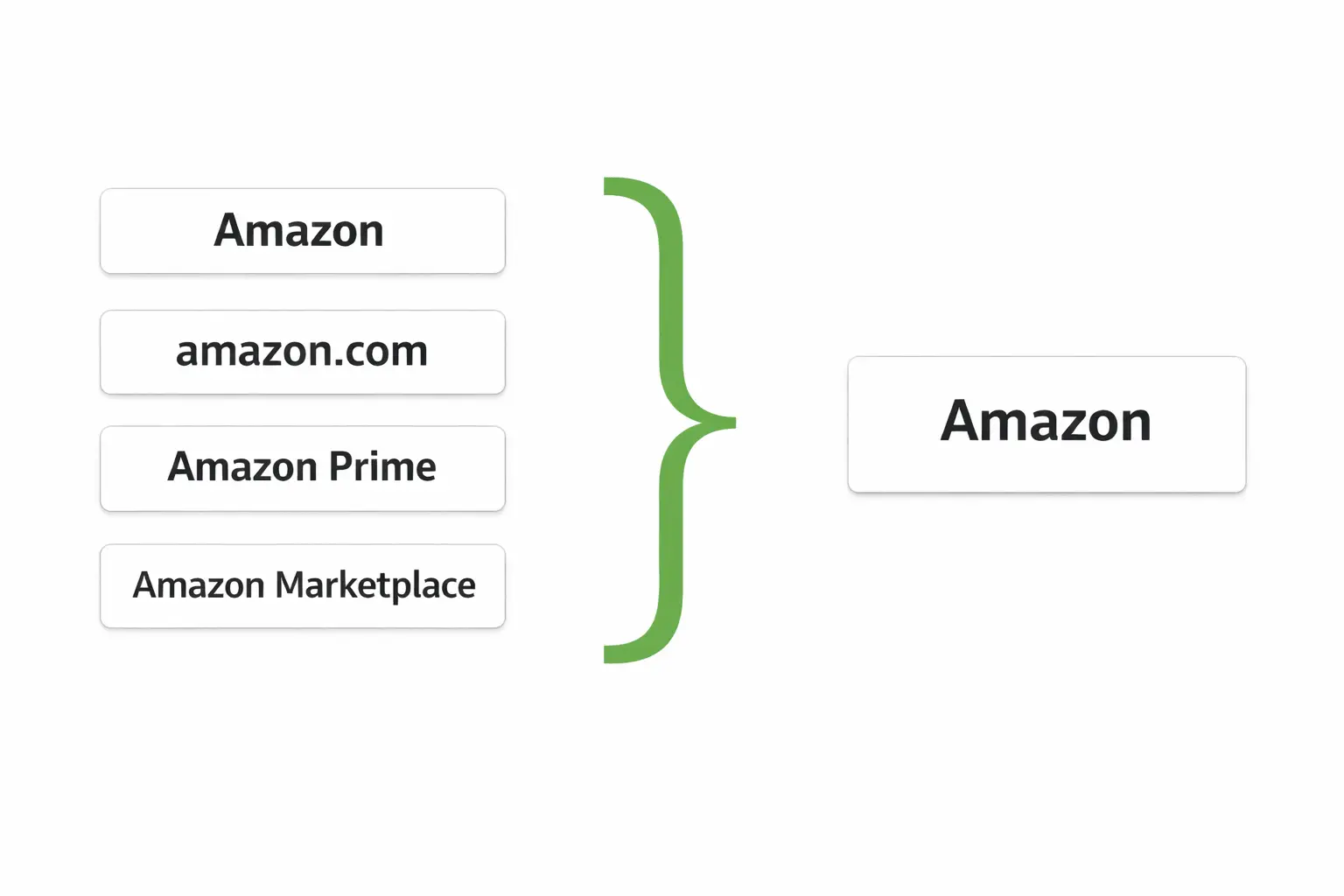
From receipts to your accounting, we fixed everything.
That means:
- Automatically matching to an existing vendor
- Suggesting a new one only when needed
- Recognizing it instantly the next time
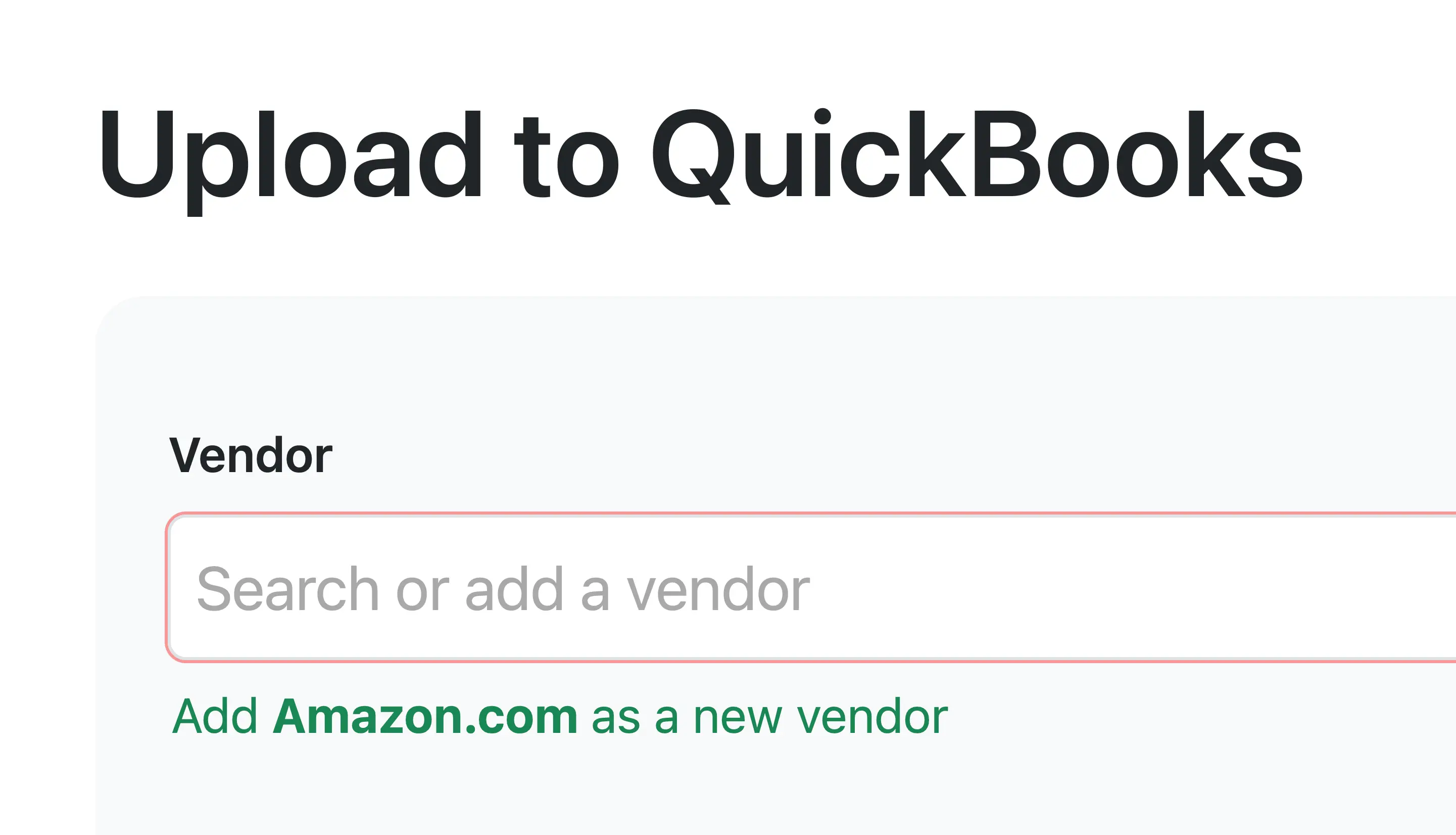
No duplicates. No cleanup. Just clean data—right from the start.
Frequently Asked Questions about Receipt AI
1. What if I already have duplicate vendors in QuickBooks or Xero?
If your accounting software already has duplicate vendors, you’ll want to clean those up first. You can merge duplicate vendors directly in QuickBooks or Xero. Once that’s done, simply click sync in Receipt AI. From that point on, smart vendor matching keeps new receipts mapped correctly—so duplicates don’t come back.
2. Does Receipt AI replace my accounting software?
No. Receipt AI works alongside your accounting software. Tools like QuickBooks and Xero are where your financial data lives. Receipt AI makes sure the data going into those systems is clean, structured, and consistent from the start.
3. Can I review or edit vendor matching?
Yes. Vendor matching is based on how your receipts are mapped. Anytime you update a receipt with the correct vendor, Receipt AI remembers it—and applies it automatically next time.
4. How accurate is smart vendor matching?
Smart vendor matching is designed to handle variations in merchant names, such as "Amazon", "amazon.com", or "Amazon Marketplace". Accuracy improves over time as the system learns from your existing vendors and past decisions.
5. What happens when a new vendor is detected?
If a vendor can’t be matched to an existing one, Receipt AI will suggest creating a new vendor or mapping it to one you already have. This keeps your workflow smooth while ensuring your vendor list stays clean and consistent.
6. What happens if I don’t enable Smart Review?
If review is not enabled, new vendors will be created automatically whenever a match isn’t found. This keeps your workflow fast and fully automated. In some cases, duplicates may be created if merchant names vary. You can enable review anytime for more control, or merge vendors later in your accounting software.
Clean data starts the moment receipts enter your system.
Try Receipt AI today.
Expense Management
Accounting
QuickBooks integration
Xero integration
FinTech
Vendor matching
Expense Automation
Data Quality
AI Receipt SMS
Receipt AI
Related Articles


Start uploading Receipts using SMS.
Save 97% of your time with efficient receipt processing
Works with Xero and QuickBooks
Perfect for businesses, big and small
No extra app downloads. Works with tools you already have (SMS, Email and WhatsApp)