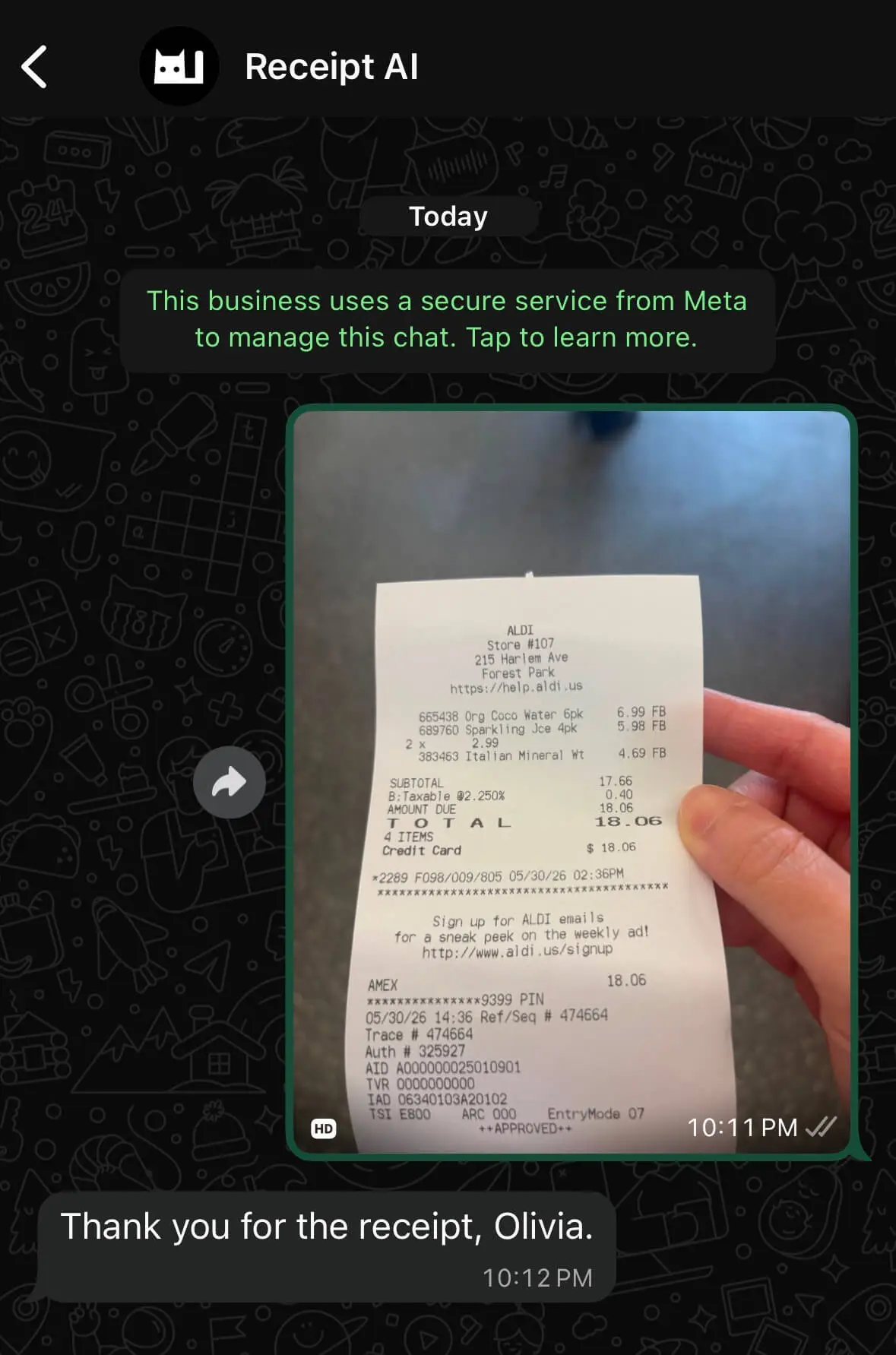
You can send receipt photos to Receipt AI on WhatsApp.
WhatsApp upload works with phone numbers from 240+ countries and regions. It is useful when your team already uses WhatsApp, or when SMS is not the easiest option.
Quick Answer
Send a receipt photo to Receipt AI on WhatsApp. Receipt AI reads the receipt, extracts the details, and helps save or sync the receipt to QuickBooks Online or Xero.
How It Works
1. Send a receipt photo to Receipt AI on WhatsApp.
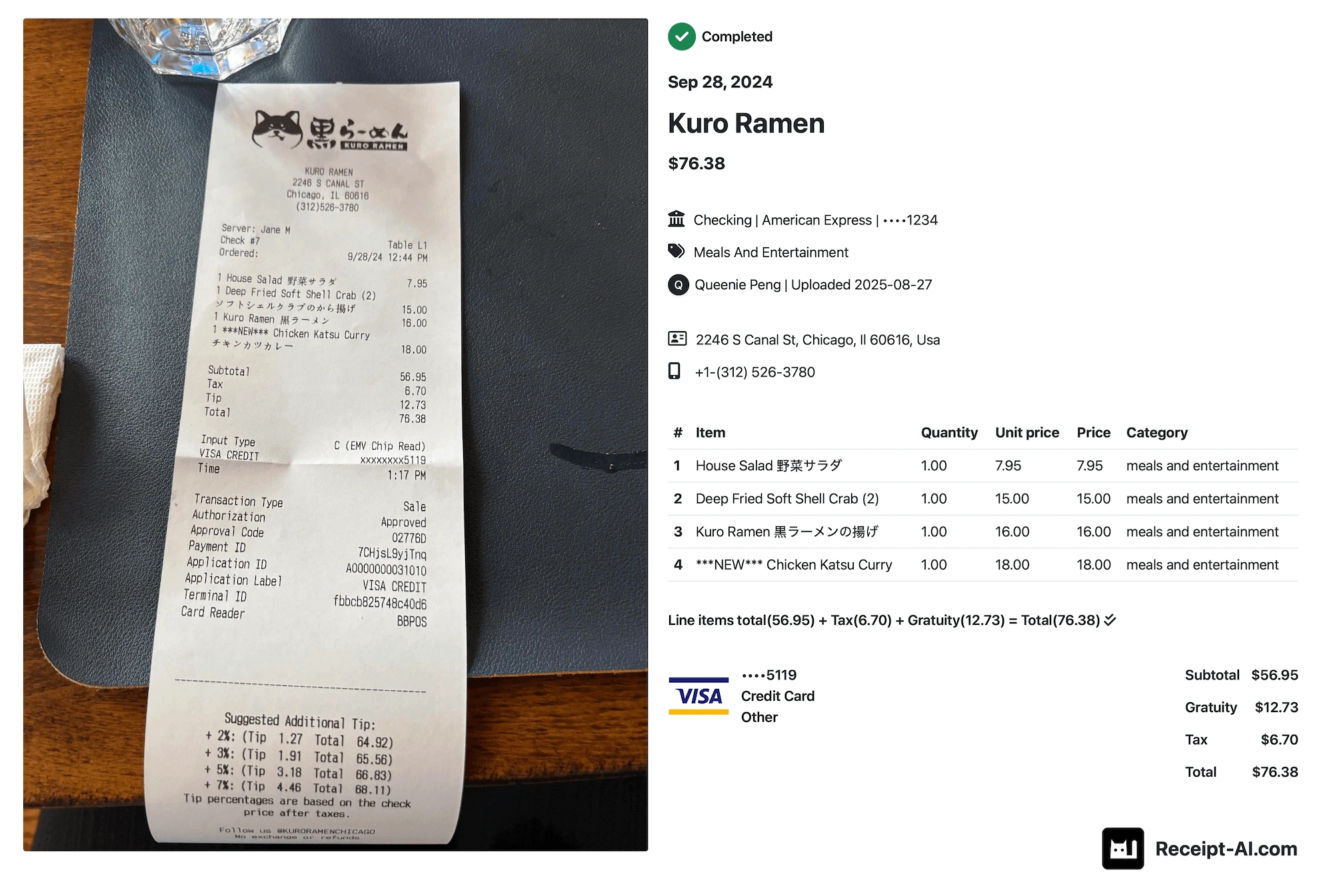
2. Receipt AI extracts the receipt details, including vendor, date, total, tax, and line items.
3. Review or edit the receipt if needed.
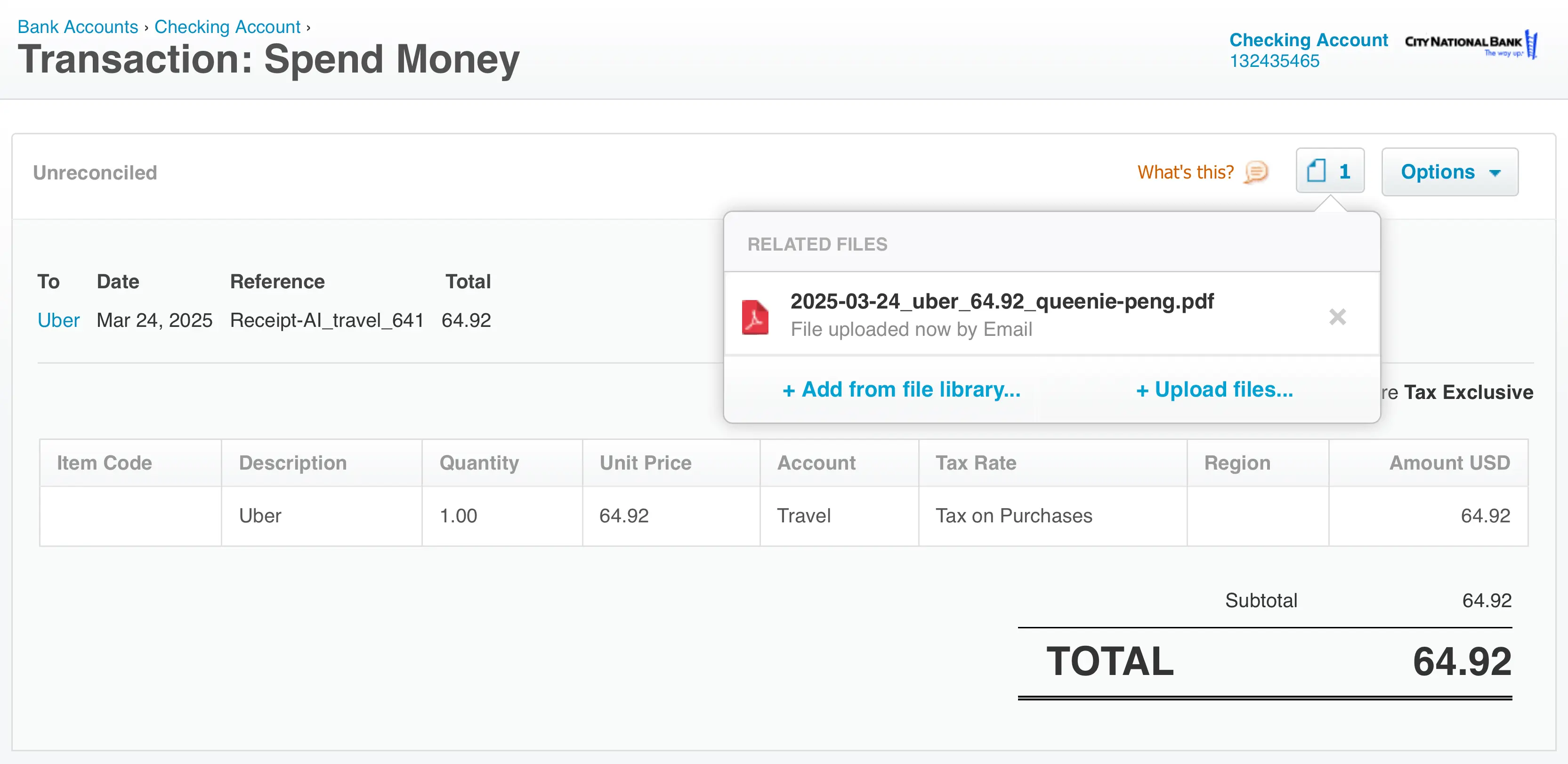
4. Sync the receipt to QuickBooks Online or Xero, depending on your setup.
What Receipt AI Can Map
Receipt AI can help map vendors and chart of accounts.
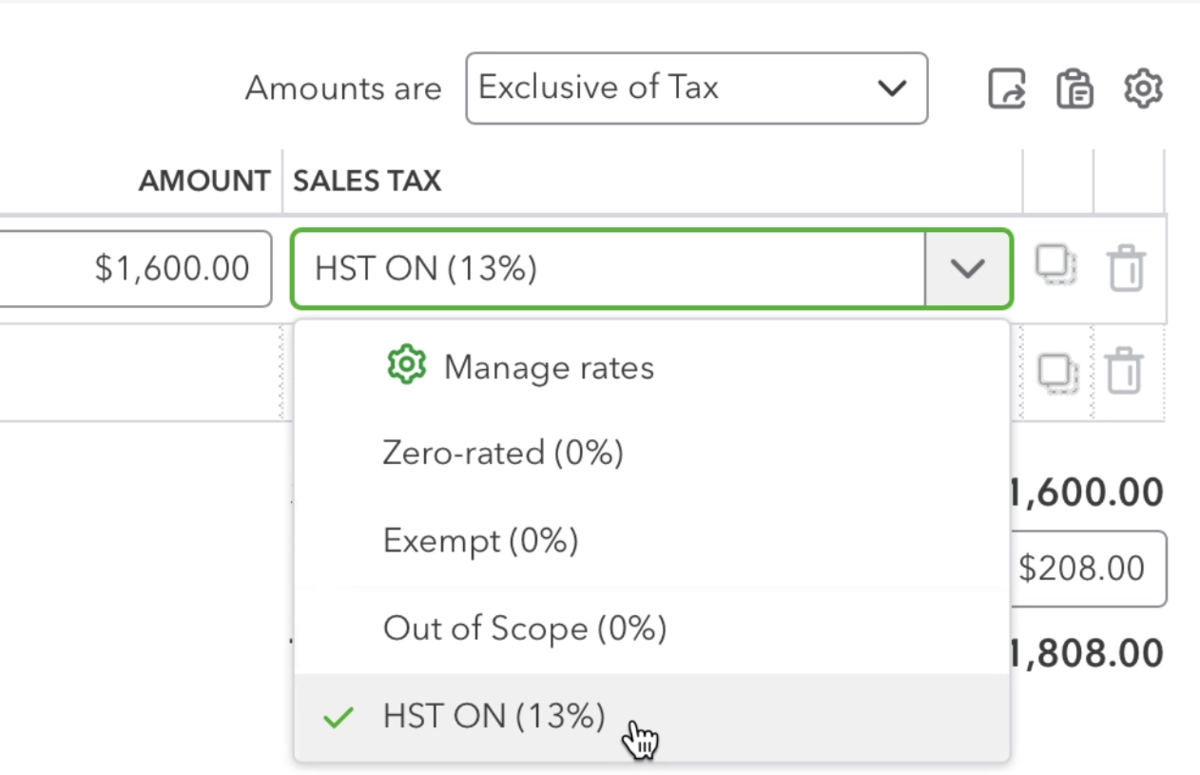
If your business uses tax codes, Receipt AI can also help apply the right tax code before syncing.
Why Teams Use WhatsApp for Receipts
Receipts usually happen outside the office.
A worker buys fuel. A contractor picks up materials. A team member pays for parking. Someone orders supplies while traveling.
If they wait until later, the receipt can disappear. With WhatsApp upload, they can send it right away.
Can I Use WhatsApp Instead of SMS?
Yes.
SMS upload is available for US, Canadian, and Australian phone numbers. Email and web work worldwide. WhatsApp upload works with phone numbers from 240+ countries and regions.
What Happens After I Send a Receipt?
Receipt AI reads the receipt photo and saves the extracted information.
Depending on your setup, you can keep receipts in Receipt AI, download a CSV, or sync receipts to QuickBooks Online or Xero.
No extra app to download.
No receipt chasing.
Send the receipt when you get it. Let Receipt AI handle the data.
Learn more about how to upload receipts using Receipt AI, or start with Receipt AI.