A receipt scanner for QuickBooks Online should do more than save a picture.
The receipt image matters. But your books also need the details behind it.
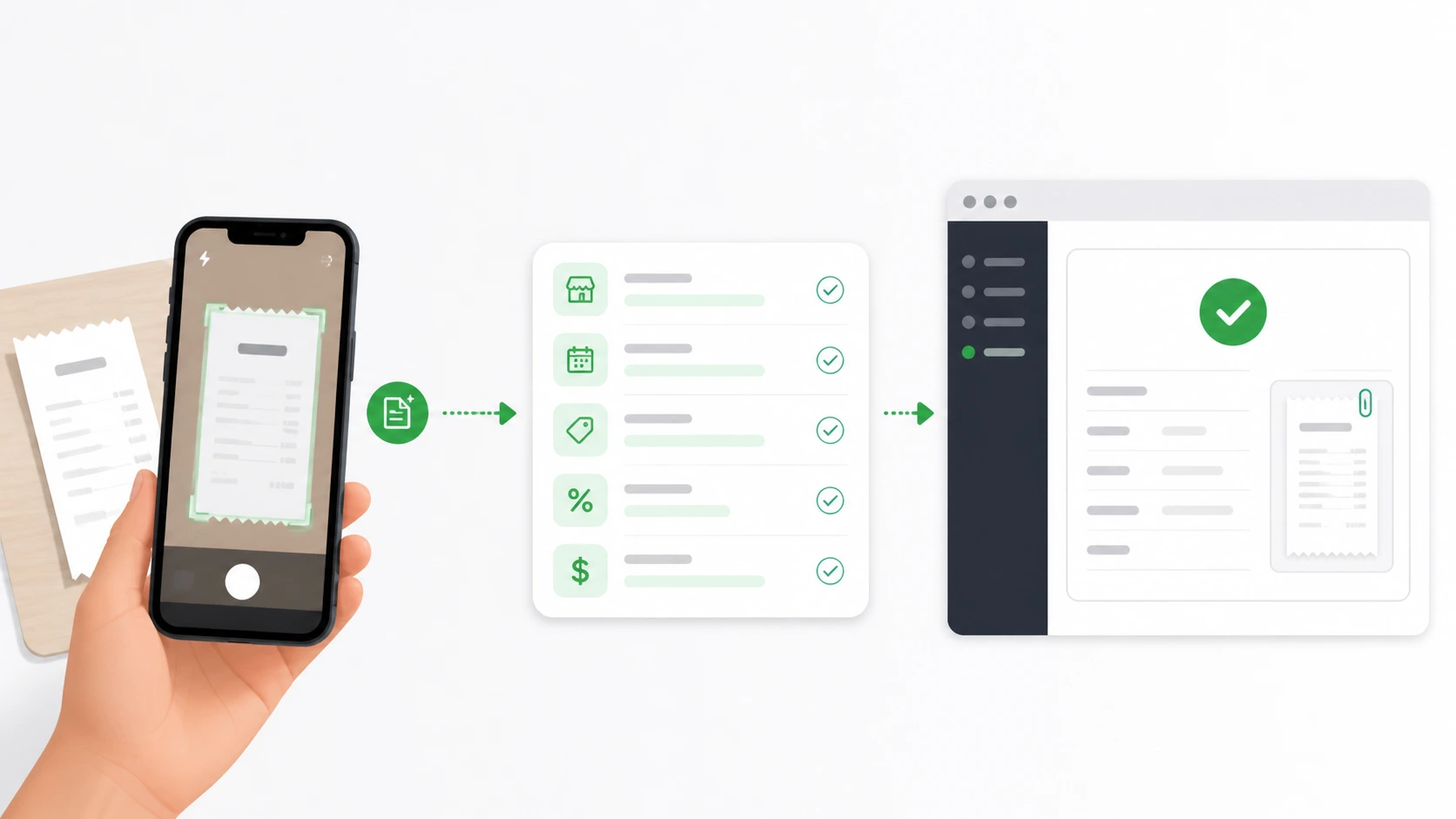
How Receipt AI Works With QuickBooks Online
With Receipt AI, your team can send receipts by SMS, email, or web upload.
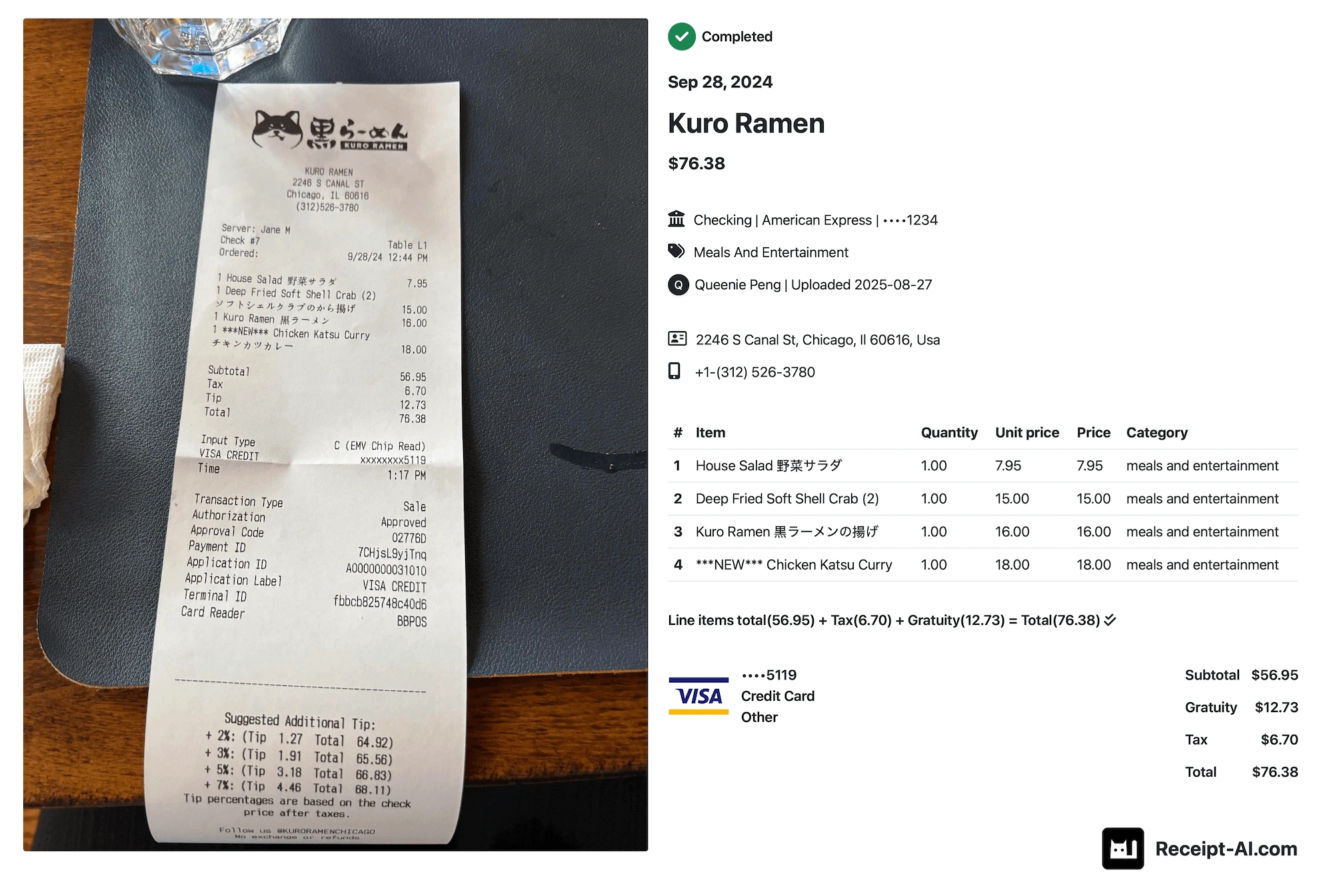
Receipt AI reads the receipt, extracts the details, and helps send them to QuickBooks Online.
That means your team does not have to wait until the end of the week to type receipt details into QuickBooks by hand.
What Receipt AI Can Capture
Depending on the receipt and your settings, Receipt AI can help capture:
- Vendor
- Date
- Total
- Tax
- Memo
- Category or account
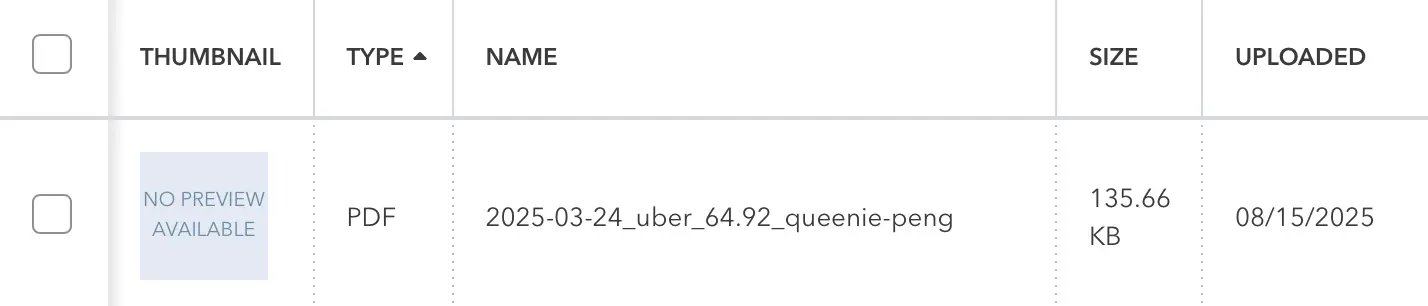
- Receipt image
- Line items, if enabled
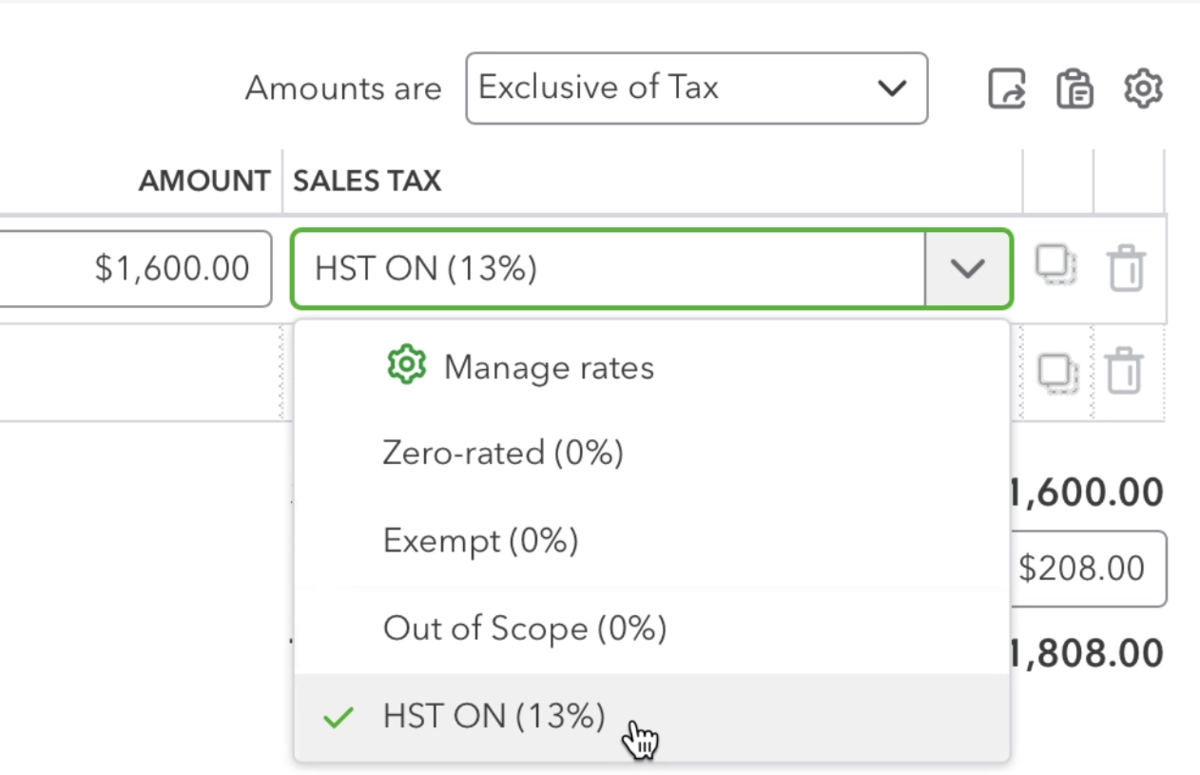
- Tax code, if your business uses tax codes
You can review or edit the receipt in Receipt AI before it syncs.
Where Receipts Go in QuickBooks Online
Receipt AI keeps the receipt connected to your QuickBooks workflow.
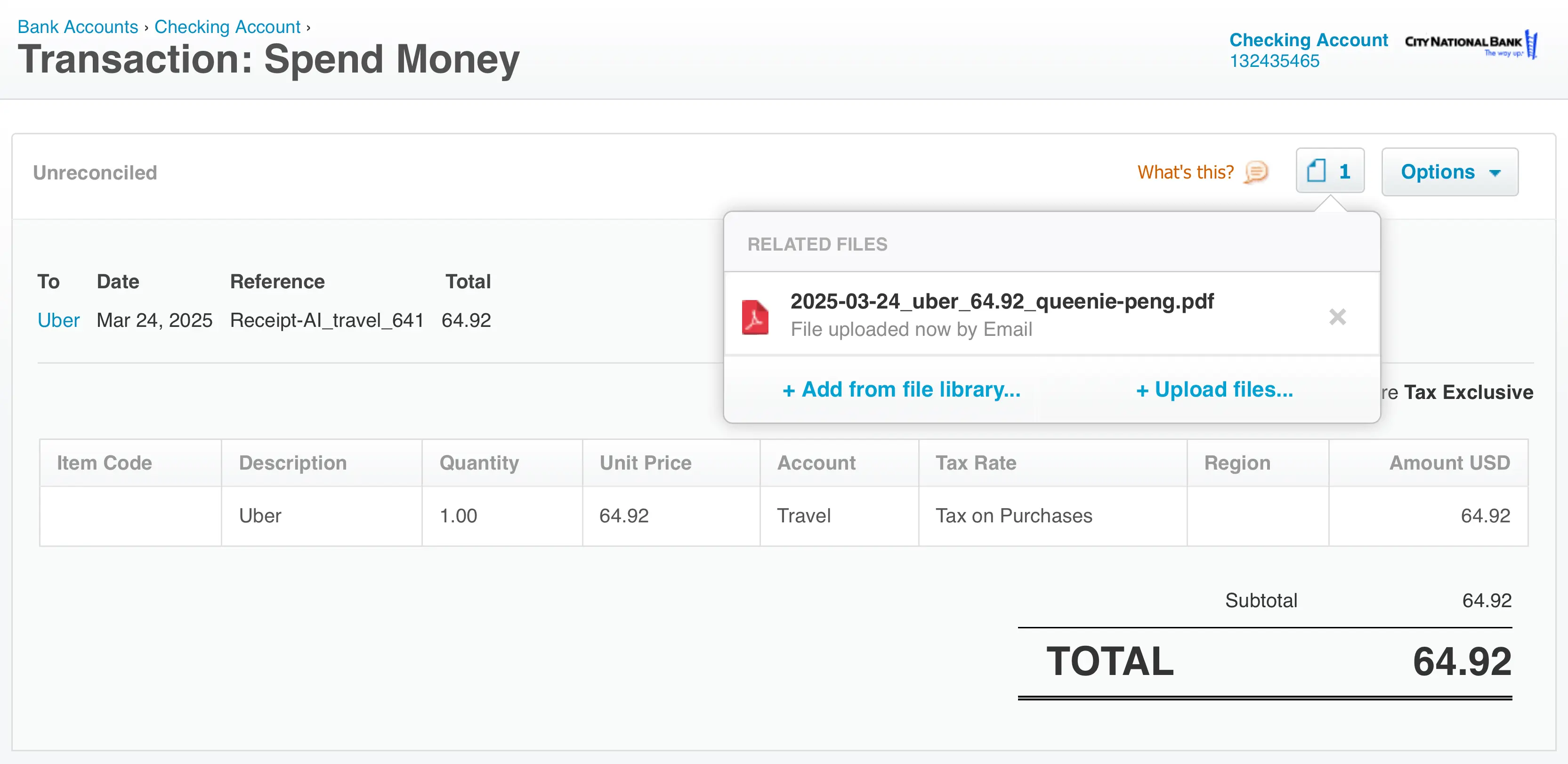
If One-Click Reconciliation is not enabled, receipts are stored in QuickBooks Online - Attachments.
If One-Click Reconciliation is enabled, Receipt AI can create an Expense in QuickBooks Online and link the receipt to it. When the matching bank transaction arrives, you can reconcile it faster.
Line Items Are Optional
Some businesses only need the vendor, date, and total.
Other businesses need line items, categories, or tax details.
If line items are enabled, Receipt AI can send line items to QuickBooks Online. If they are not enabled, or if a receipt cannot be safely matched line by line, Receipt AI sends the date, vendor, and total. You can edit the receipt later in Receipt AI.
Best For Teams That Collect Receipts Away From a Desk
Receipt AI is useful when receipts happen in the field, on the road, or across a team.
A technician can text a receipt after buying materials. A consultant can forward a travel receipt from email. A manager can upload several receipts from the website.
The back office gets the receipt image and the receipt data without chasing every paper receipt later.
Use Receipt AI as a QuickBooks Receipt Scanner
If your business uses QuickBooks Online, Receipt AI helps collect receipts, read the details, and prepare them for your accounting workflow.
Learn more about Receipt AI for QuickBooks Online.