Team roles control what each person can do in Receipt AI.
Quick choice:
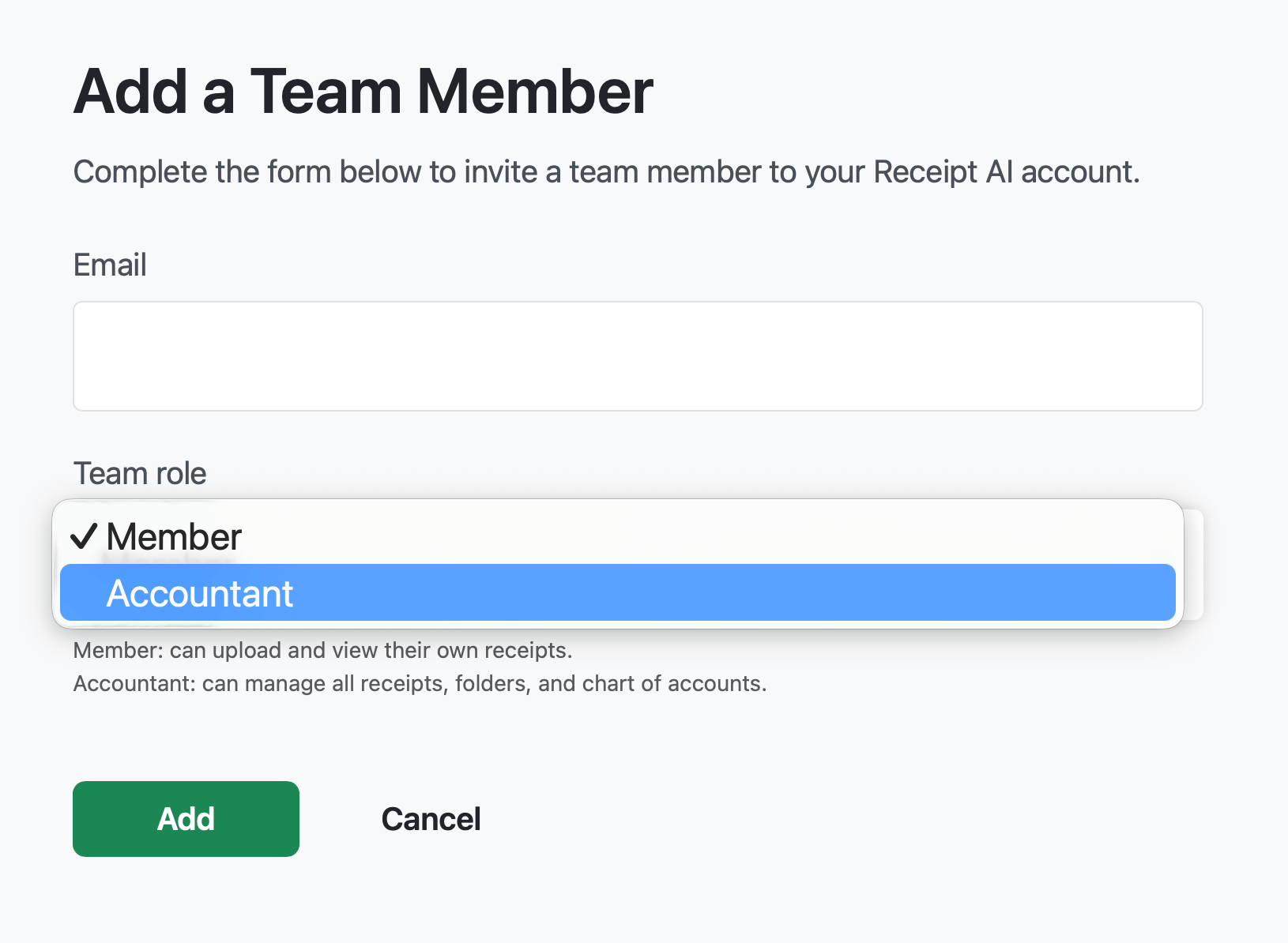
Choose Member if they only need to send in receipts.
Choose Accountant if they help manage receipts or bookkeeping.
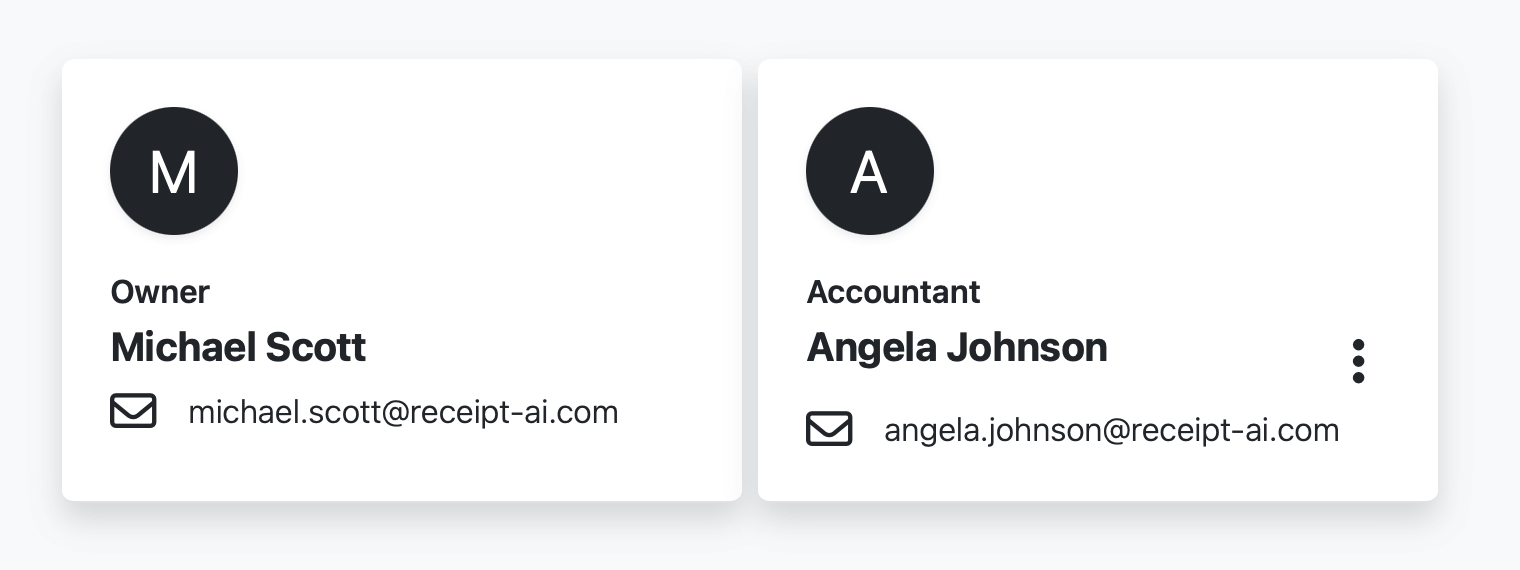
The Owner is the subscribed account owner and cannot be changed.
1. Owner
The Owner is the subscribed account owner.
This role is created automatically and cannot be assigned to another team member.
Owner can:
Manage team settings.
Connect QuickBooks or Xero.
Manage billing and subscription.
Add, edit, or remove team members.
2. Accountant
Accountants help manage receipts and bookkeeping.
Accountant can:
View and manage team receipts.
Manage bookkeeping settings such as folders, vendors, categories, and Chart of Accounts.
Help with review mode and accounting setup.
Accountants do not manage billing, subscription, or account ownership.
3. Member
Members send in and manage their own receipts.
Member can:
Upload receipts.
View their own receipts.
Edit their own profile.
Members do not manage team bookkeeping settings or receipts from other users.
Who Can Change Team Settings?
Only Owner and Accountant roles can manage team settings such as review mode, folders, vendors, categories, and Chart of Accounts.
Who Can Add or Assign Team Roles?
Only the Owner can add team members and assign roles.
The Owner can choose Member or Accountant for a team member. The Owner role itself cannot be assigned.
How to Add or Change a Team Member
1. Go to My Team.
2. Click Add Team Member, or click on an existing member.
3. Choose Member or Accountant.
4. Save your changes.
Can I Change the Owner?
No. The Owner role belongs to the subscribed account owner and cannot be assigned to another team member.