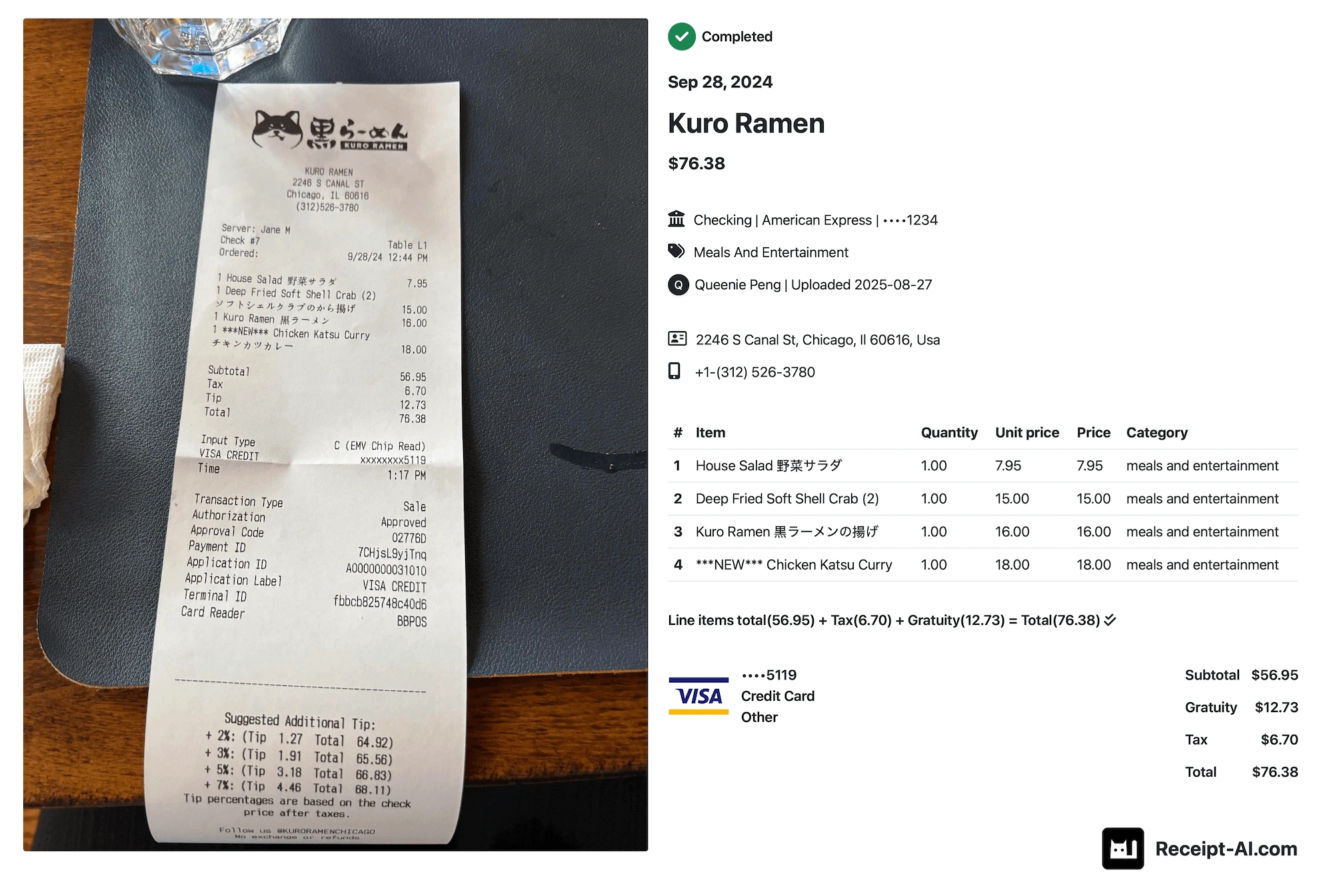
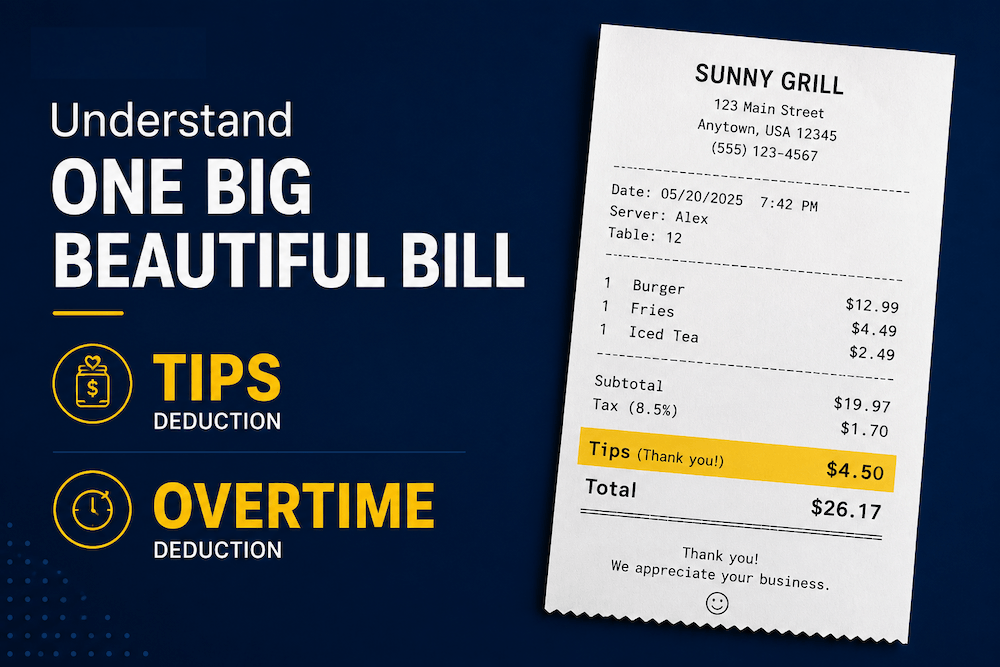
Have you ever seen tax included on a receipt?
Fuel total: $281.83
HST: $32.42
You paid for the gas.
You paid the tax.
But if the tax is handled the wrong way, your business may miss tax money it could get back.
Introducing Smart Tax Codes
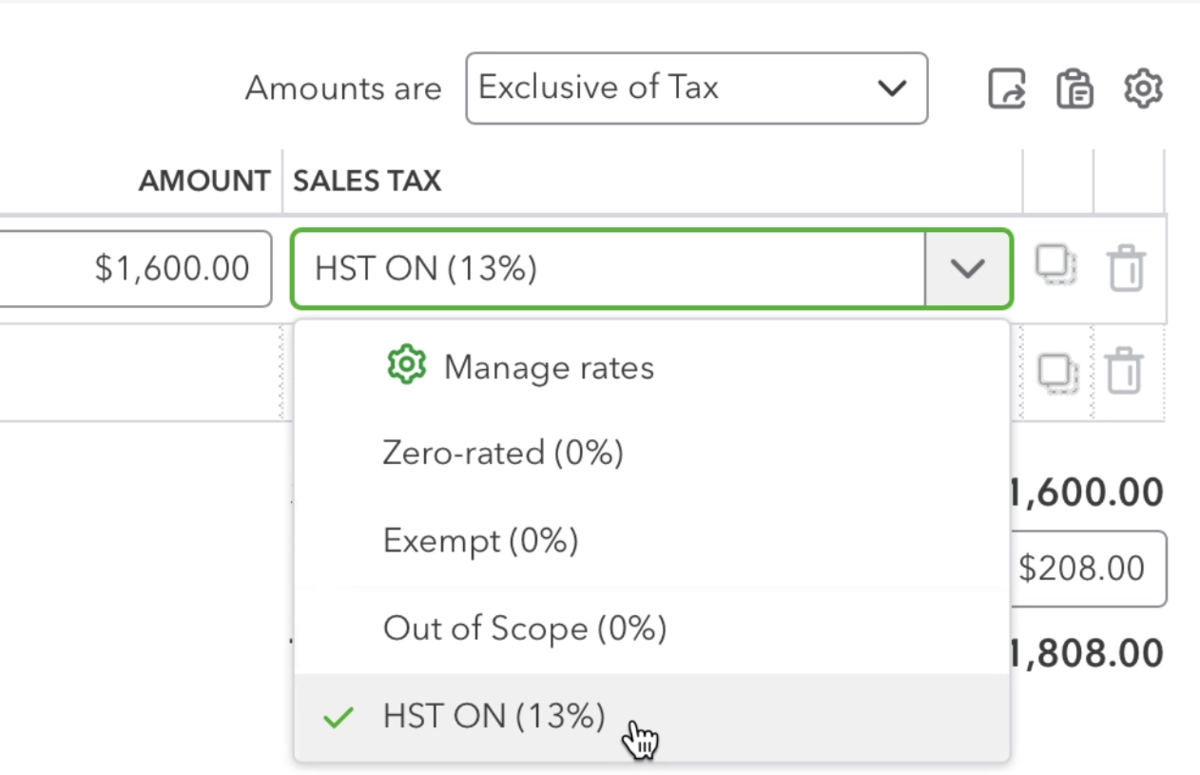
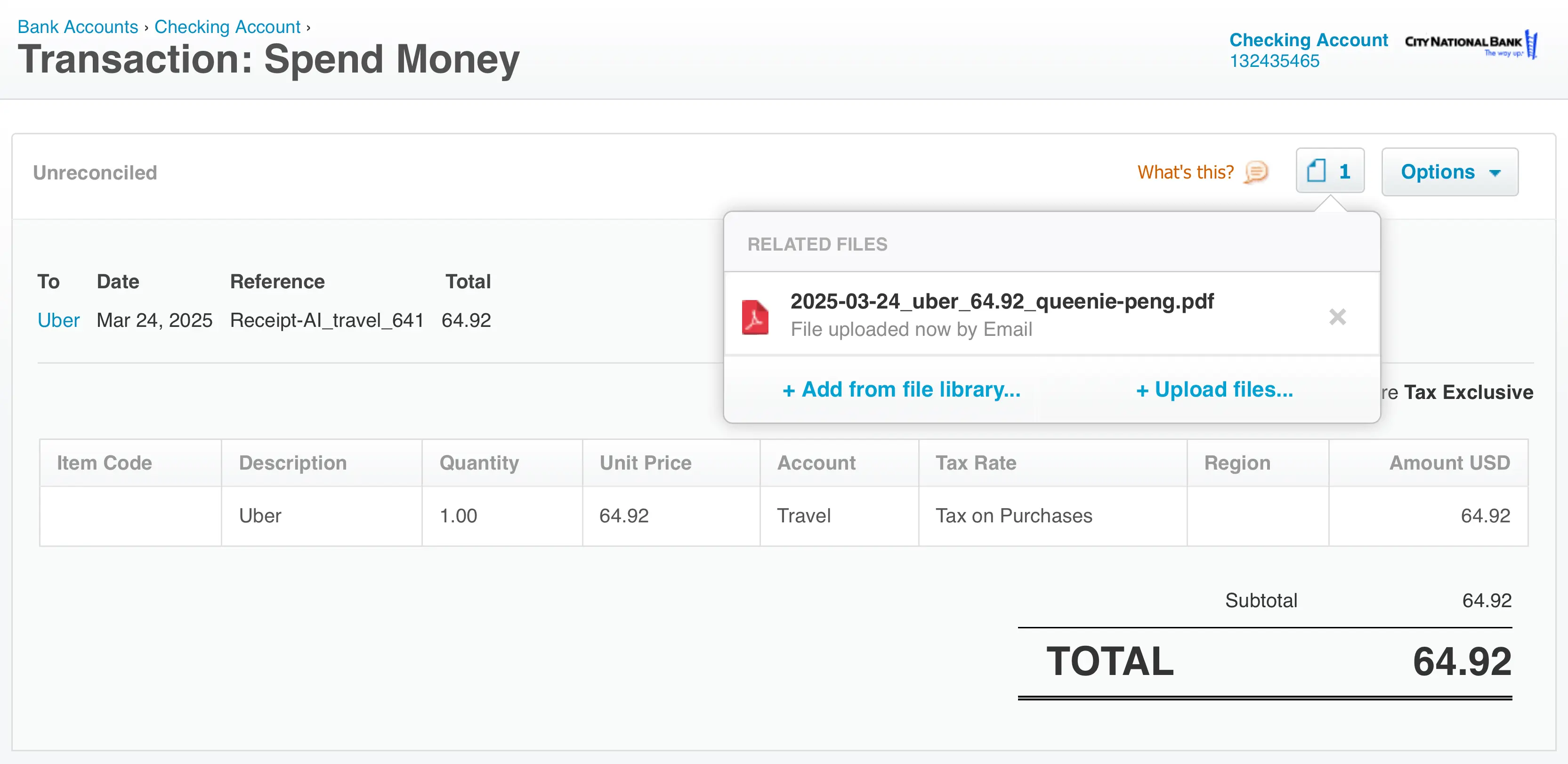
Receipt AI can now help map the right tax code before syncing receipts to QuickBooks Online or Xero.
When the receipt shows a clear tax rate, we apply it automatically.
When it does not, we ask you to review it first.
If the tax code is wrong, edit it in Receipt AI. It syncs without creating duplicates.
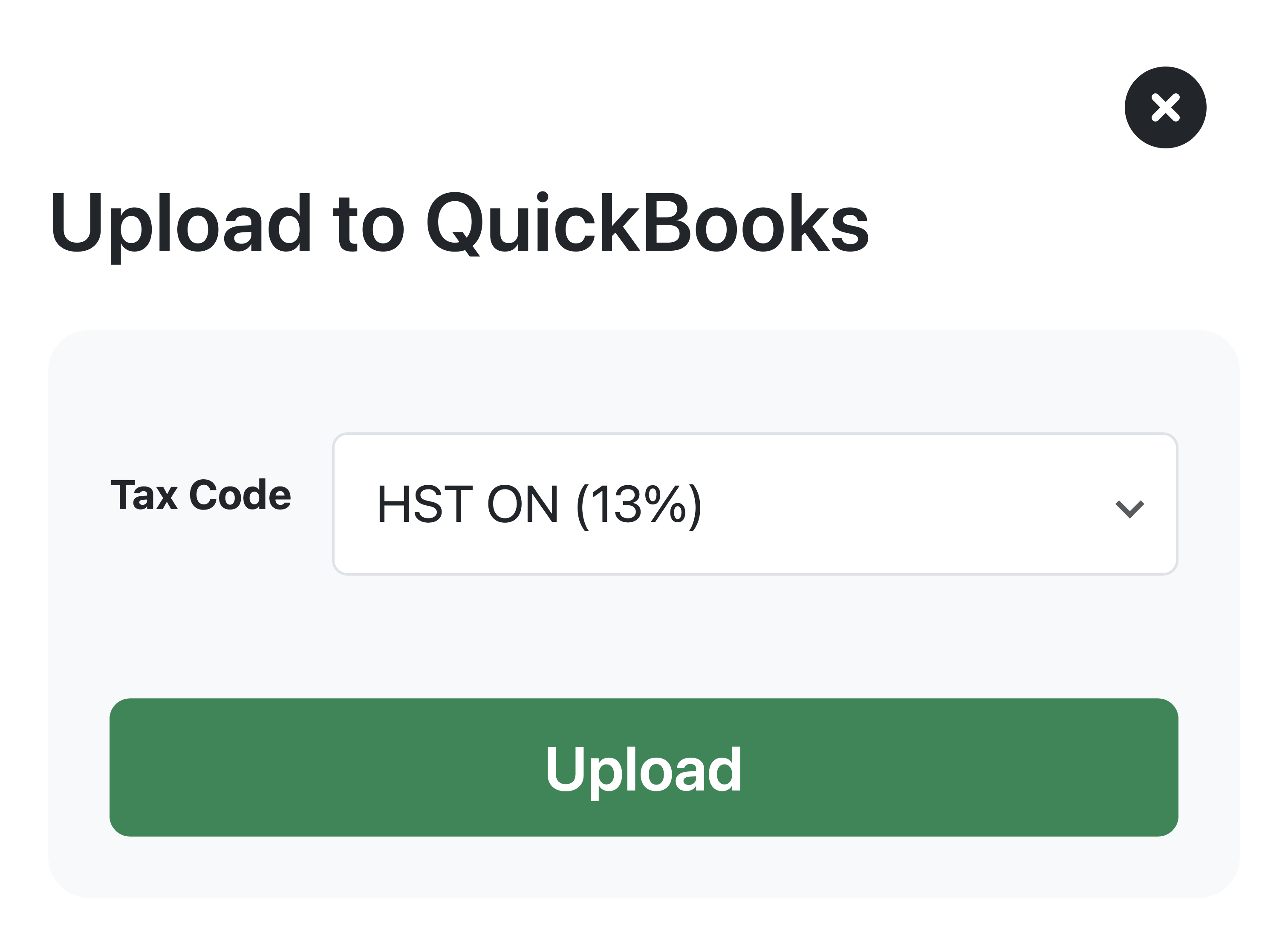
Smart Tax Codes are best for Canadian, Australian, and other businesses that track recoverable tax, like GST, HST, PST, QST, or VAT.
You can find Tax Codes under Edit Profile.
Available on Business Basic+ plans.
For the full setup guide, read How Receipt AI Syncs Tax Codes to QuickBooks Online and Xero.