Receipt AI already categorizes your receipts and line items using your chart of accounts. If you don’t use accounting software, you can now create custom categories and let AI categorize everything for you.
Introducing Custom Categories.
1. Create Your Own Expense Categories
Custom Categories allow you to create expense categories that match how your team tracks spending.
Instead of relying on a traditional chart of accounts, you can define categories that fit your workflow.
For example, you can create categories like Job Supplies, Client Meals, Equipment, Office Expenses, or Travel. AI will then automatically categorize each item for you.
Within each category, you will find a list of line items.

2. AI Automatically Categorizes Line Items
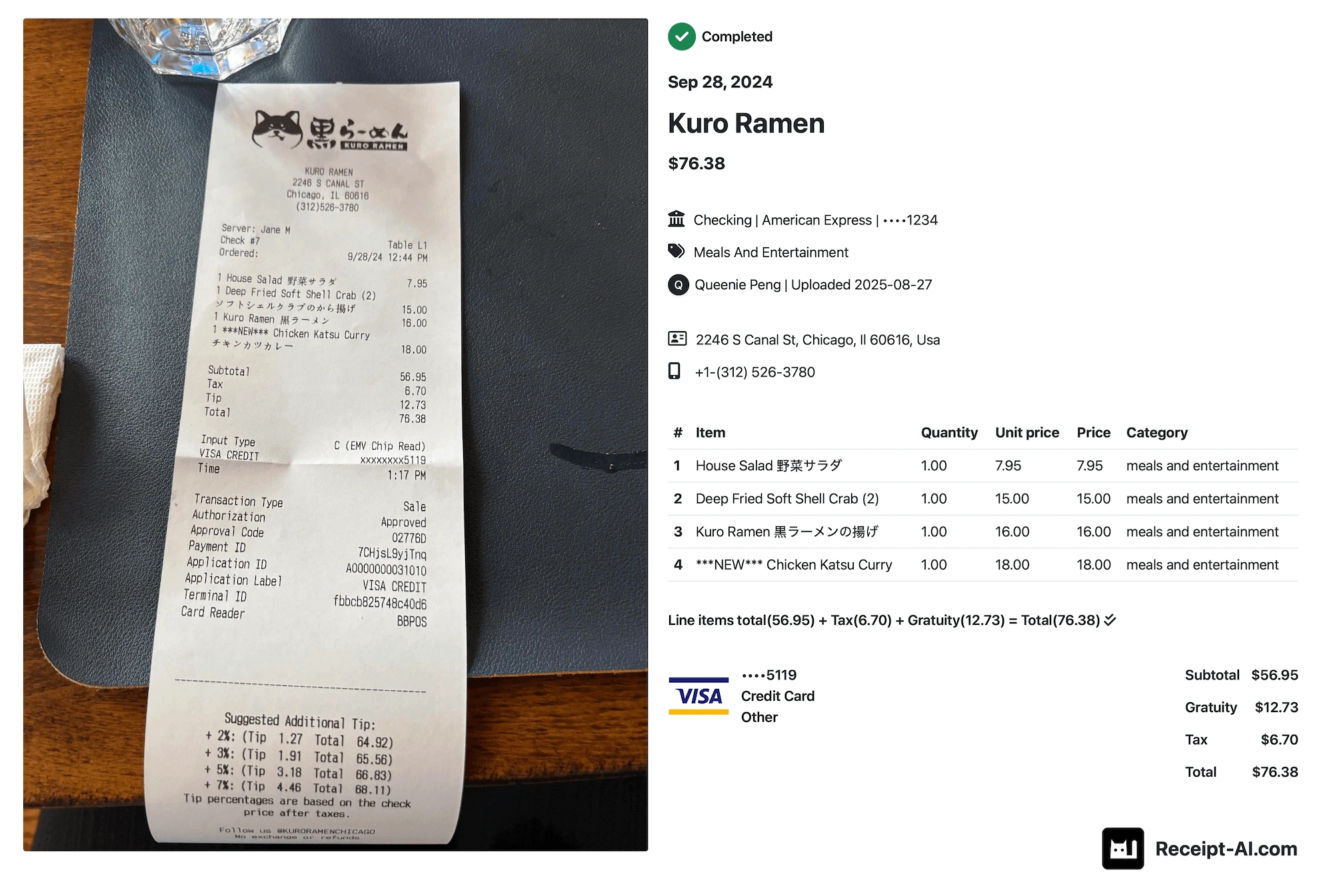
Once your categories are created, Receipt AI automatically assigns receipt line items to the most relevant category.
This happens automatically when receipts are uploaded.
Example: Receipt line items from Harbor Freight are automatically categorized under Job Supplies..

No Accounting Software Required
Custom Categories are designed for teams that organize expenses without accounting software.
You can structure expenses in a way that fits your workflow without needing a formal chart of accounts.
How It Works
Create your categories once. Upload receipts as usual (SMS, Email or Website).
Receipt AI reads the receipt, extracts line items, and automatically assigns them to your custom categories.
The result is a clean, structured view of your expenses—organized exactly the way your team works.
Availability
Custom Categories are available on Business Basic+ plans.
Frequently Asked Questions
Do I need accounting software to use Custom Categories?
No. Custom Categories are built for teams that want to organize expenses without setting up a formal chart of accounts.
Does Receipt AI categorize entire receipts or individual items?
Receipt AI categorizes individual line items on receipts—not just the entire receipt. This gives you more accurate expense tracking.
Can I create any categories I want?
Yes. You can create categories that match how your team tracks and understands expenses.
What if AI categorizes something incorrectly?
No problem. You can quickly edit the category directly on the receipt page.
Can I use my chart of accounts later?
Absolutely. If you adopt accounting software later, your Custom Categories can serve as a helpful reference when building your chart of accounts. Once you connect your accounting software, your chart of accounts will automatically sync to Receipt AI.
Which plans include Custom Categories?
Custom Categories are available on Business Basic and higher plans.