Wednesday, June 03, 2026
Choosing the Right Review Mode in Receipt AI
Share this article:
Review modes let you choose how much you want to check before receipts are uploaded to QuickBooks or Xero.
There are three options:
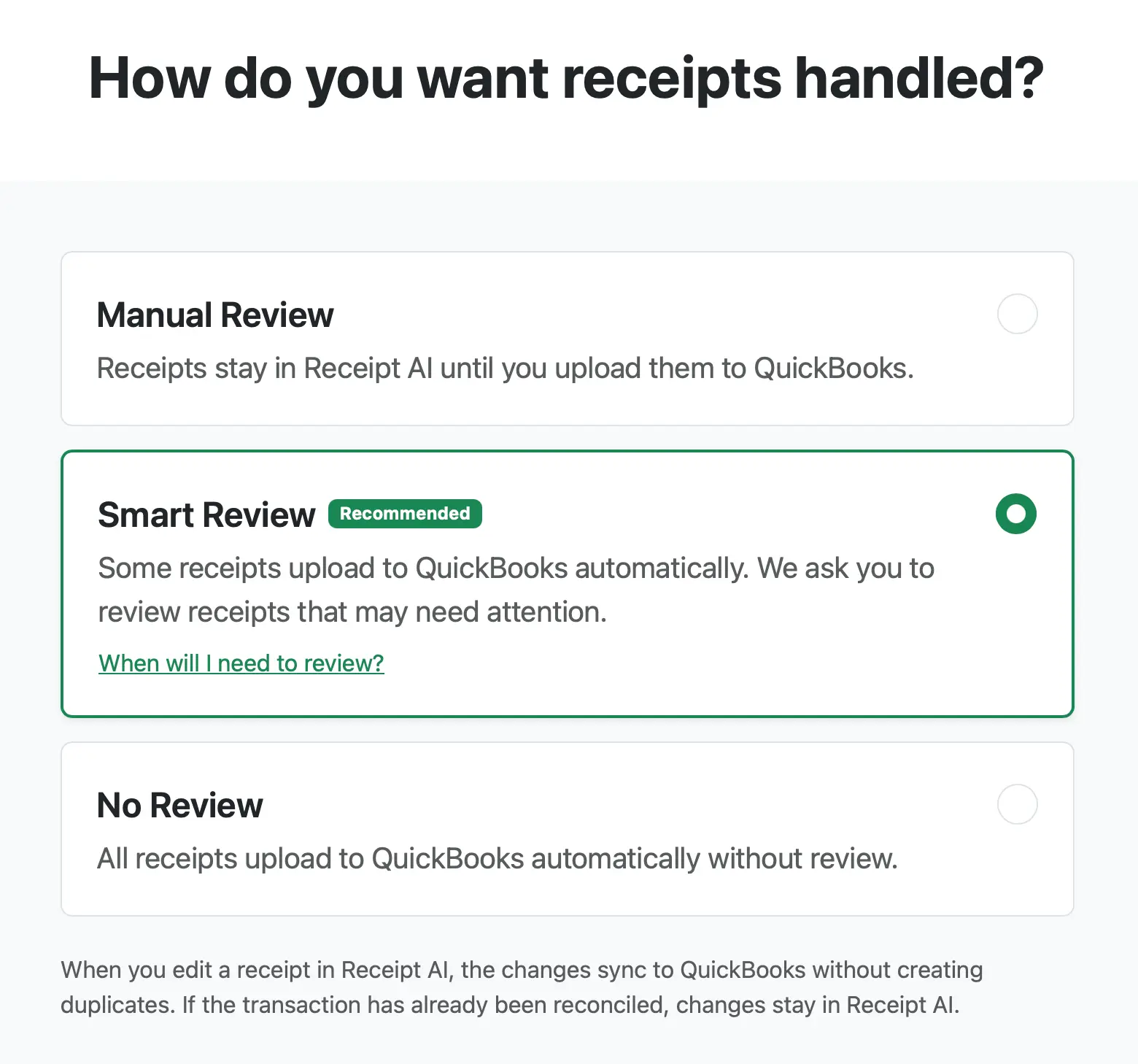
1. Manual Review
Receipts stay in Receipt AI until you upload them to QuickBooks or Xero.
Choose this if you want to check every receipt yourself.
2. Smart Review
Receipt AI uploads most receipts automatically.
If something needs attention, we ask you to review it first.
This can happen when:
+ The receipt is hard to read
+ The receipt may be a duplicate
+ The date, vendor, or total is missing
+ The accounting details need attention
Choose this if you want the best balance between speed and control.
3. No Review
Receipt AI uploads receipts automatically without asking you to review each one.
Choose this if speed matters most and you are comfortable fixing details later if needed.
Even with No Review, Receipt AI may still stop receipts with serious issues, such as unreadable receipts, duplicates, or missing totals.
Which One Should I Choose?
Choose Manual Review if you want to approve every receipt.
Choose Smart Review if you want automation with a safety check.
Choose No Review if you want the fastest workflow.
If you are not sure, start with Smart Review.
What Happens When I Edit a Receipt?
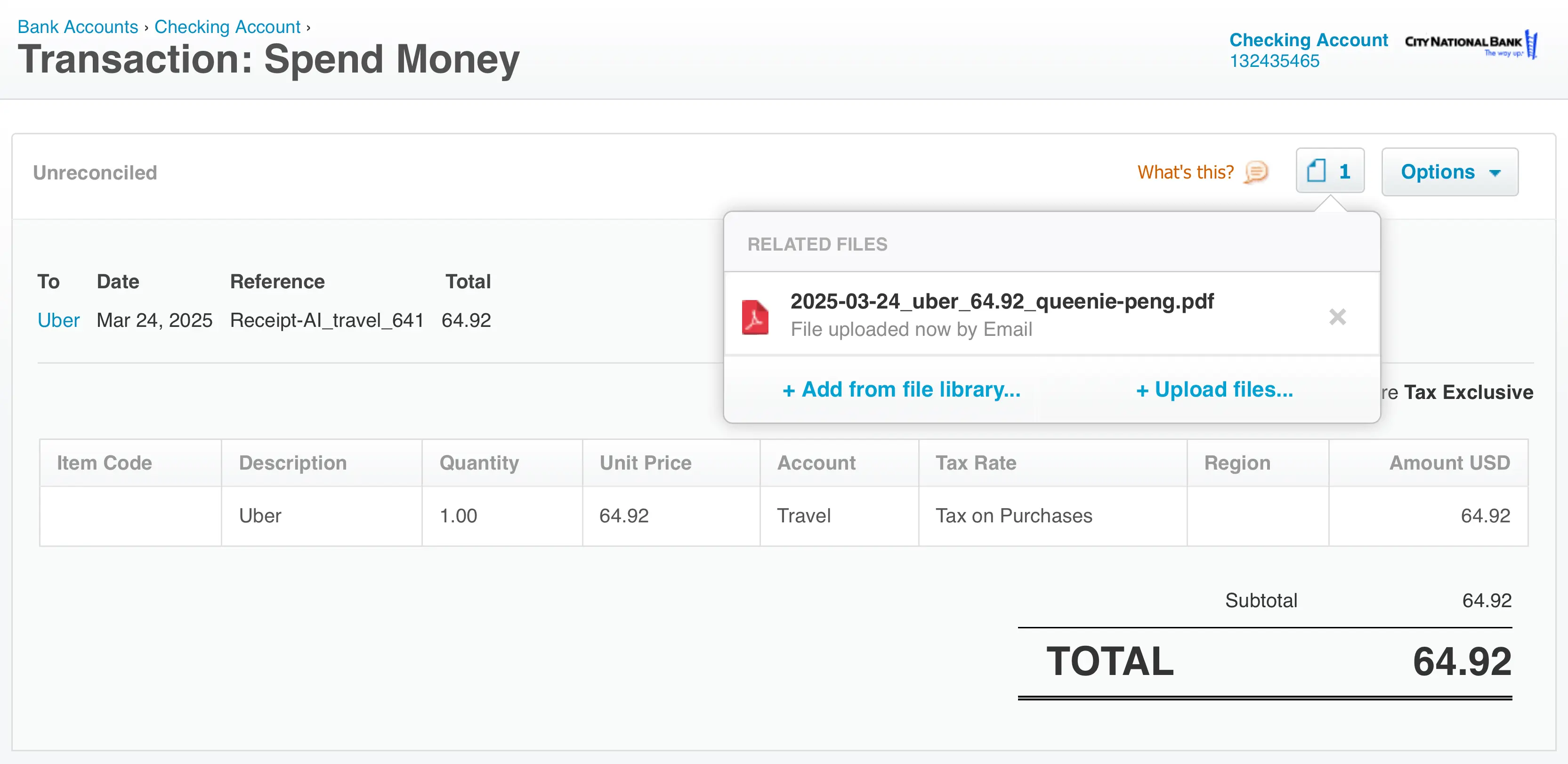
When you edit a receipt in Receipt AI, the changes sync to QuickBooks or Xero without creating duplicates.
If the transaction has already been reconciled, changes stay in Receipt AI.
How to Change Review Mode
Go to Edit Profile, select a review mode, and click Save.
Only Owners and Accountants can change review mode.
smart review
manual review
no review
review required
receipt review
QuickBooks
Xero
accounting sync
receipt automation
Smart Vendor Matching
Related Articles


Start uploading Receipts using SMS.
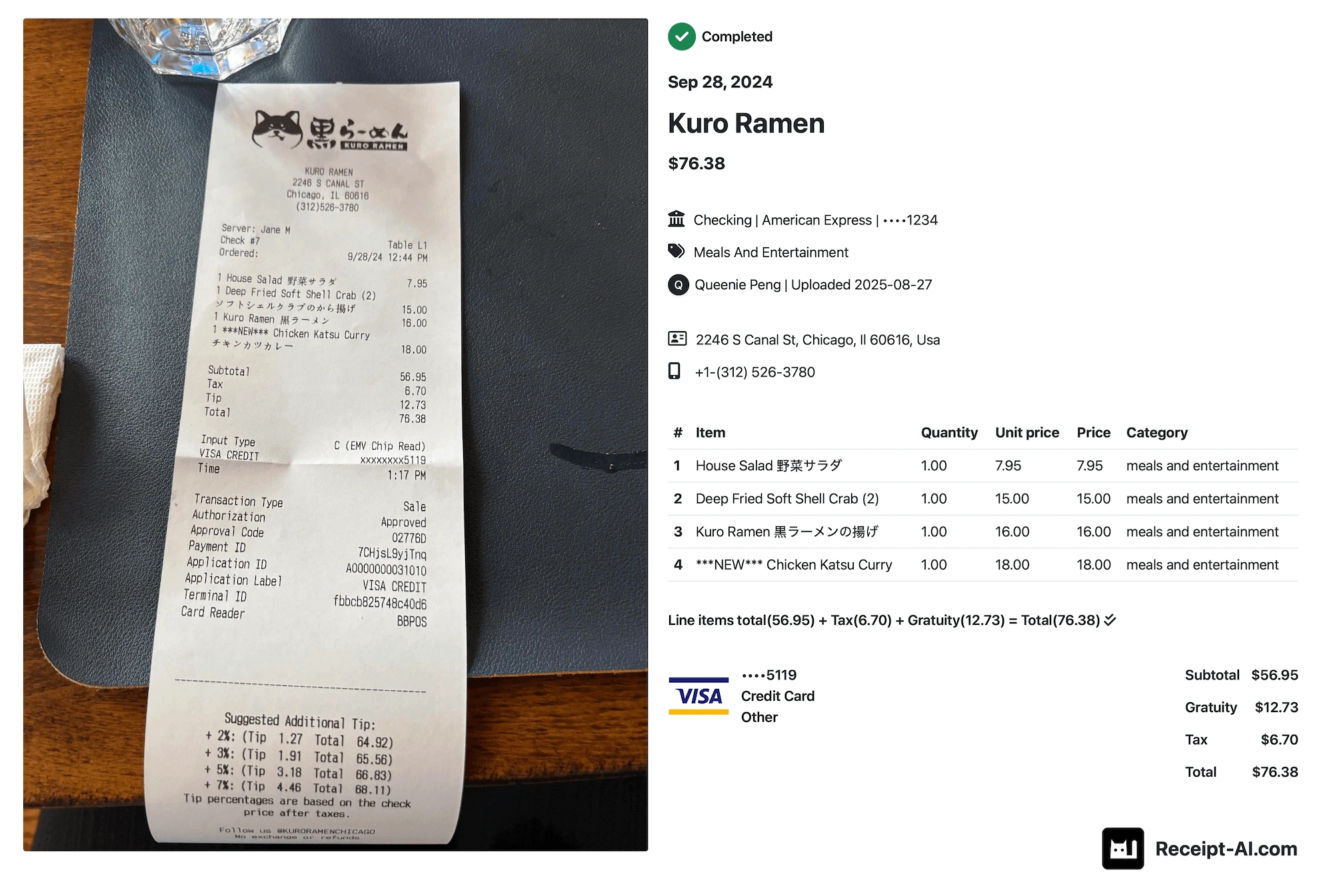
Save 97% of your time with efficient receipt processing
Works with Xero and QuickBooks
Perfect for businesses, big and small
No extra app downloads. Works with tools you already have (SMS, Email and WhatsApp)