Thursday, August 27, 2026

Can’t Find Folders in Receipt AI? Enable Folder AI

Share this article:

If you can’t find folders in Receipt AI, Folder AI may not be enabled yet.

Only an Owner or Accountant can enable Folder AI.
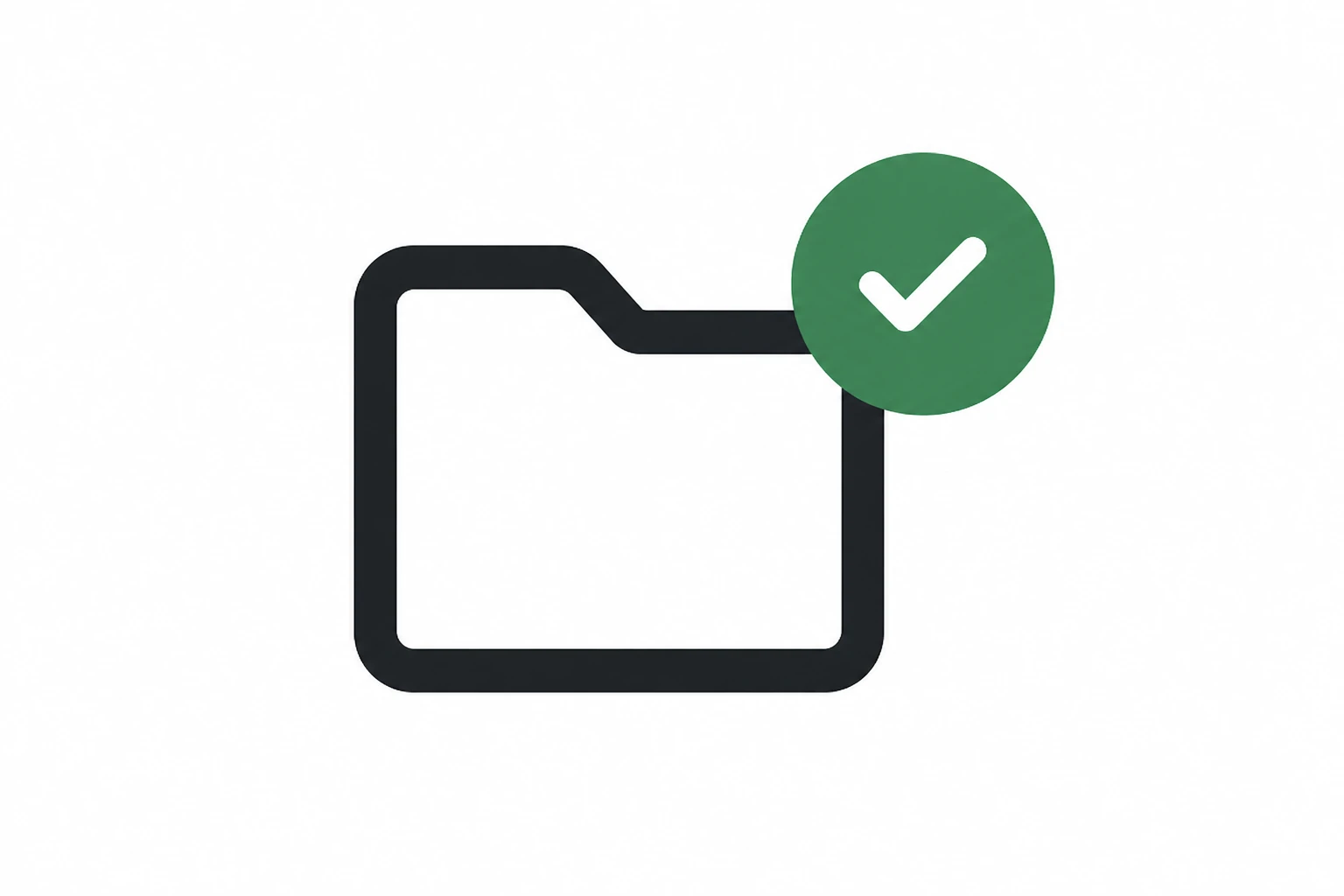
Minimal folder icon with a green check mark, representing Folder AI enabled in Receipt AI.

How to Enable Folder AI

  1. Go to Edit Profile.
  2. Enable Folder AI.
  3. Click Save.

After saving, go back to your receipts.

You should see Folders in the top bar.

You should also be able to organize receipts by folder.


What Folders Are For

Folders can be used for projects, jobs, clients, trips, or any grouping your team uses.

If you upload receipts by SMS or email, you can also reply with a folder name to save the receipt under that folder.
Receipt AI

Folder AI

folders

receipt folders

can’t find folders

cannot find folders

folders not showing

folder option missing

missing folders

enable folders

enable Folder AI

Folder AI not enabled

Folder AI not showing

Edit Profile

Save settings

top bar folders

Owner role

Accountant role

user permissions

team permissions

organize receipts

receipt organization

receipt management

project folders

job folders

client folders

trip folders

SMS receipt upload

email receipt upload

reply with folder name

support

Start uploading Receipts using SMS.

Save 97% of your time with efficient receipt processing

Works with Xero and QuickBooks

Perfect for businesses, big and small

No extra app downloads. Works with tools you already have (SMS, Email and WhatsApp)

A working professional traveling at a client site smiles as he takes a photo of a receipt with his smartphone. He plans to upload the receipt using SMS and Receipt AI, which is integrated with Xero or QuickBooks, while sitting in a cozy café environment. Indicating the ease of using the app.
<span class="translation_missing" title="translation missing: en.layouts.footer.alt">Alt</span>

Made in the USA. Receipt AI is proudly made in the USA. We support SMS upload with phone numbers from the US, Canada, and Australia, plus email, website, and WhatsApp options.

We value simplicity.
What's new? Accounting Tips, Product News & Stories
Receipt AI™ © 2023-2026 Big Green Company
Terms of Service Privacy Policy