Saturday, October 03, 2026
How to Track Fuel, Tolls, and Van Costs Per Job
Share this article:
To track fuel, tolls, and van costs per job, photograph every receipt and text it to Receipt AI, then select the job folder by replying with the folder number. The IRS values 2026 business driving at 76 cents per mile for miles driven since July 1 (72.5 cents for miles before that), and tolls and parking are deductible on top of the mileage rate. Per-job folders turn those receipts into real cost data your next bid can use.
Why van costs quietly eat your margins
A work van burns money in small, forgettable amounts: twelve gallons here, a toll gantry there, a parking meter outside a downtown high-rise. No single charge feels worth writing down, so most owners never do.
That is exactly the problem. An HVAC crew that runs six service calls a day can drive 80 to 100 miles before dinner. Multiply that by 250 workdays and the van becomes one of the biggest line items on the year — bigger than many owners guess. When you bid the next job from memory instead of data, you price in the fuel you remember, not the fuel you spent.
The fix is not a new spreadsheet. It is a habit: capture the receipt in the moment, file it to the job it served, and let the totals build themselves.
The five-bucket van-cost checklist
Every van dollar belongs to one of five buckets. If a receipt does not fit one of them, it is probably not a van cost. Run through this list before you crumple anything up:
- Fuel. Gas and diesel at the pump. One photo of the pump receipt, and the AI pulls the vendor, date, and total.
- Tolls. Toll-booth receipts, plus the monthly statement from your electronic toll account. Tolls are deductible separately, even if you use the standard mileage rate.
- Parking. Meters, garages, and downtown lots. Like tolls, parking is deductible on top of the mileage rate.
- Maintenance and repairs. Oil changes, tires, brakes, alignments, windshield wipers. Anything the shop invoices, snap it.
- Fixed costs. Insurance premiums, registration, and the lease or loan paperwork. These set the true cost of keeping the van on the road.
Buckets 1 through 3 vary by job, so they belong to individual job folders. Buckets 4 and 5 are van-level costs — file them to a standing folder like "Van 3 — 2026 running costs" so the yearly total is one click away at tax time.
The 60-second per-job van routine
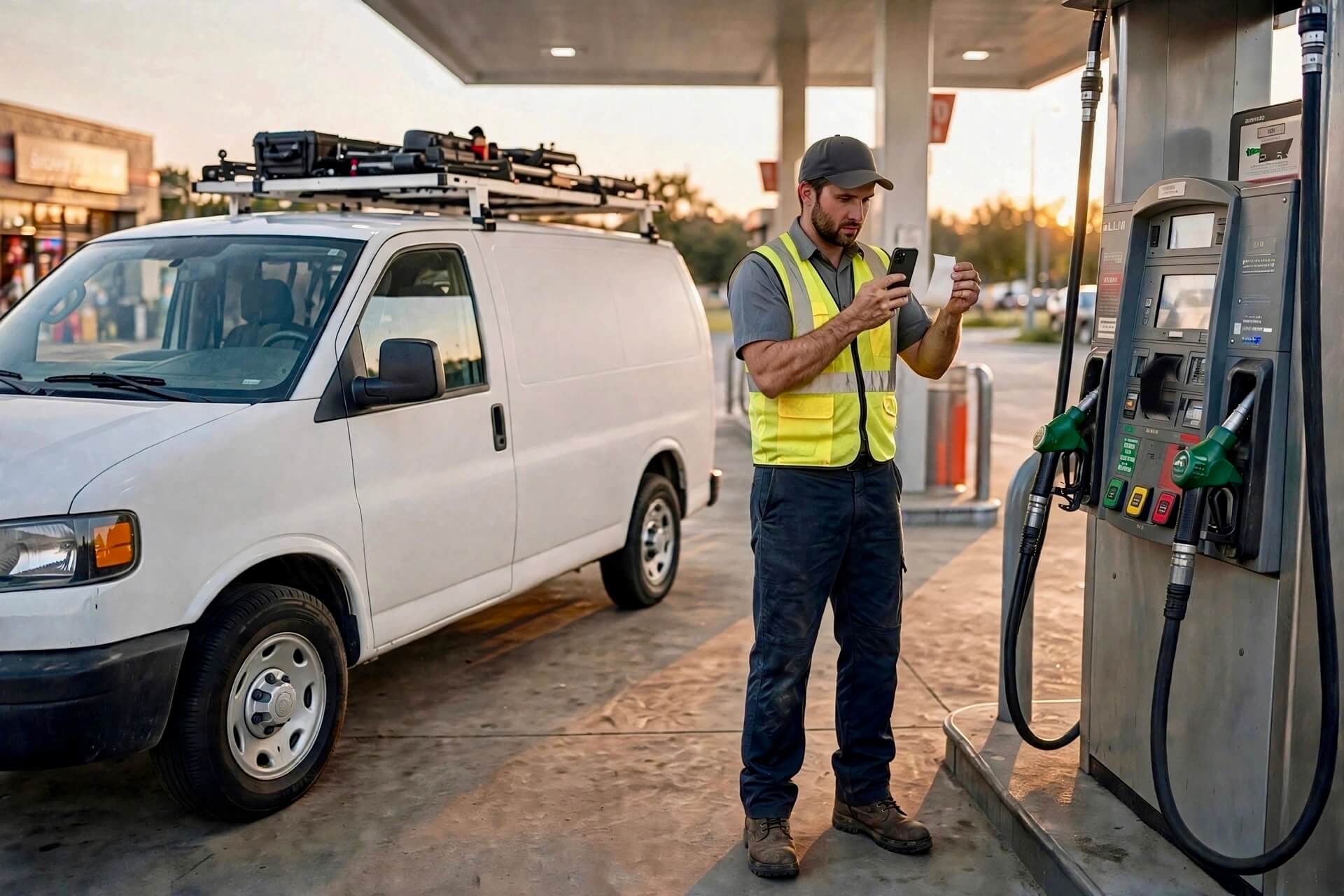
Do this at the pump, the toll booth, and the parking meter. It takes less than a minute, and it works the same for every bucket. (Follow the onboarding steps to enable Folder AI first — it takes a minute.)
Path A: without accounting software
- Photograph the receipt and text it to Receipt AI. One photo per message for SMS and WhatsApp.
- When Receipt AI asks which folder, reply with the folder number — for example, 1 for "2607-Reyes-AC-install". Type a new folder name to create one on the spot.
- Open the Folders page on the website any time. Fuel, toll, and parking receipts sit under each job, and you can export the folder to CSV whenever your accountant asks.
Path B: if you have QuickBooks Online or Xero
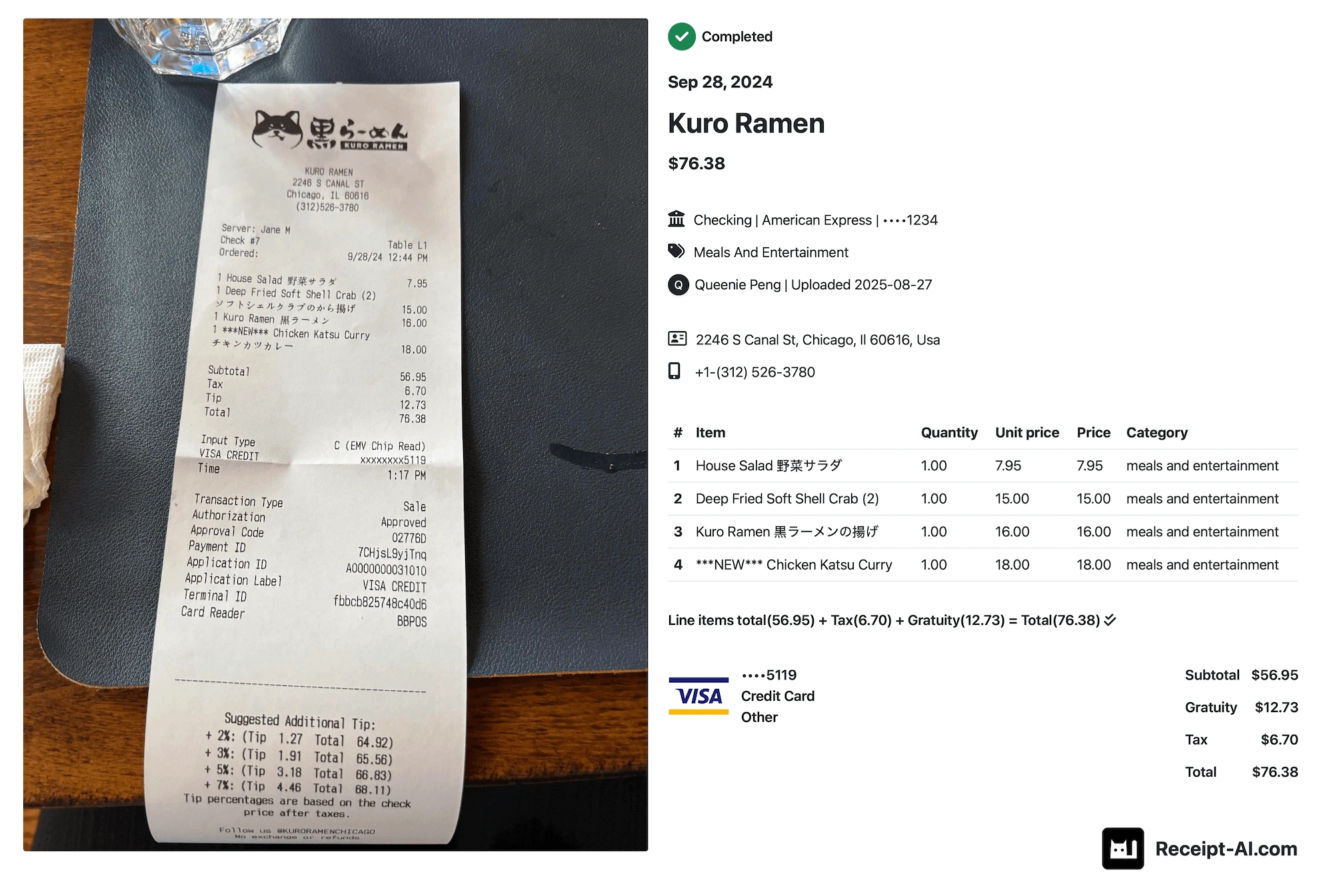
- Photograph the receipt and text it to Receipt AI. The AI extracts vendor, date, total, tax, payment method, and line items.
- When Receipt AI asks which folder, reply with the folder number — 1 for "2607-Reyes-AC-install" — or type a new folder name.
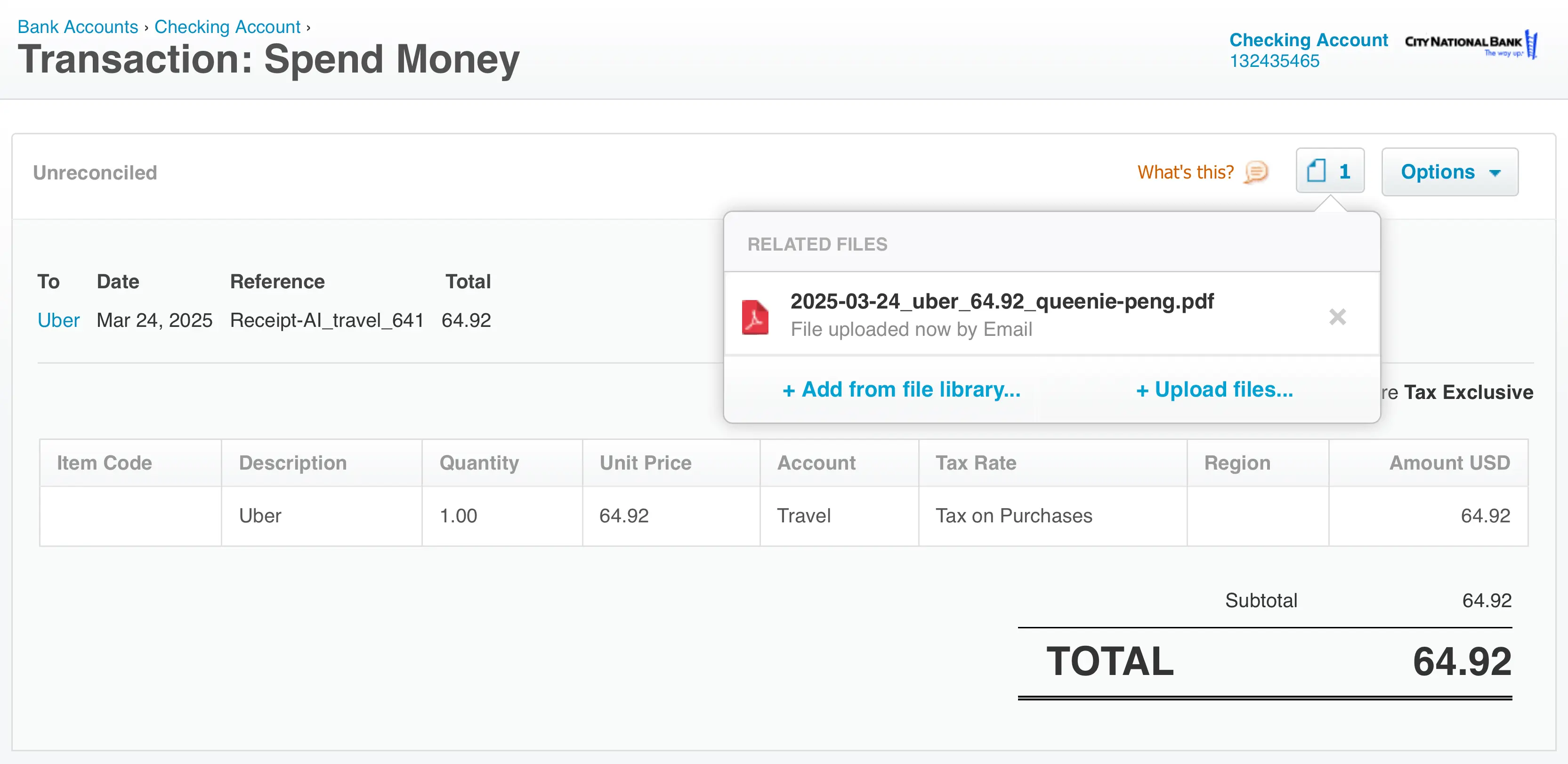
- Approve the receipt in Smart Review. If you have QuickBooks Online or Xero, the vendor, tax codes, and account names auto-apply.
- Sync your receipts to your books with one-click reconciliation — available when you have QuickBooks Online or Xero.
No paper toll ticket? Your electronic toll account emails a monthly statement. Forward that email to Receipt AI and file it to the van folder — a statement is a receipt too.
A Tuesday with Reyes Mechanical
Denise runs Reyes Mechanical, a three-van HVAC shop in Austin. Last Tuesday her van ran three service calls and one furnace estimate — 84 miles door to door.
At the pump she snapped a $52.40 fuel receipt and filed it to the morning's folder, "2607-Reyes-AC-install", by replying 1. The toll gantry on the way to the estimate cost $3.75 — no paper ticket, so she forwarded that month's toll statement later and filed it to the van folder. A downtown parking garage cost $10, filed to the afternoon service-call folder.
At 76 cents per mile, those 84 miles are worth $63.84 of deduction, plus the $3.75 toll and $10 parking on top. Before she had this habit, Denise guessed her vans cost her "maybe $400 a month each." The folder totals said $740. Her next round of bids went up — and she finally knew why.
Five rules that keep van costs honest
- Snap the receipt before you leave the pump. A fuel receipt on the dashboard is a receipt that dies in the rain.
- File to the job the miles served, not the job you're thinking about. The fuel stop on the way to the estimate belongs to the estimate's folder.
- Keep one standing folder per van for maintenance, insurance, and toll statements, separate from job folders.
- Mark the job folder completed when the job is done. The folder leaves the choice list, so nobody files a fuel receipt to a finished job — the old receipts stay searchable.
- Export the van folder to CSV once a month and send it to your accountant. Fifteen minutes, no shoebox.
FAQ
Should I use the standard mileage rate or track actual expenses?
The standard mileage rate is simpler: log your business miles and multiply. For 2026, that is 76 cents per mile for miles driven July 1 onward (72.5 cents before). Actual expenses — fuel, repairs, insurance, depreciation — can beat the rate for expensive-to-run vans, but they require every receipt. Either way, capture the receipts: they back up both methods.
What counts as business miles?
Driving between job sites, to the supply house, and to temporary work locations counts. The daily commute from home to your regular shop or office does not. If you are not sure a trip qualifies, note the business purpose anyway — the note costs nothing.
How do I note the miles and purpose for a receipt?
With SMS or WhatsApp, type the miles and purpose in the same message as the photo. With email, put them in the subject line. You can also open Edit Receipt on the website any time and add a memo to a receipt you already sent.
My toll road sends a monthly statement instead of paper tickets. Does that work?
Yes. Forward the statement email to Receipt AI like any other receipt and file it to your van folder. Email accepts up to 3 photos or documents per message.
I use the van for personal errands too. Can I still deduct it?
Only the business-use portion is deductible. Keep every receipt, and keep the business share honest with a simple mileage note. Receipt AI records the uploader's name on each receipt, so if the crew shares the van, you always know who filed what.
Does Receipt AI apply tax codes and account names automatically?
That auto-apply happens if you have QuickBooks Online or Xero. Without accounting software, everything still works standalone: folders, line items, CSV export, receipt downloads, and Receipt Insights.
Stop losing money at the pump
The van is one of your biggest costs, and it is the one you track the least. Change that with a 60-second habit: photograph the receipt, text it to Receipt AI, reply with the folder number. Your first 10 receipts are free, there is no app to install, and it works in 39 languages — because your whole crew speaks more than one.
Owners who file receipts by job save up to 97% of their bookkeeping time. If you have QuickBooks Online or Xero, everything syncs into your books when you're ready. Your next bid should come from real numbers. Start collecting them today.
{job costing
home service trades
hvac
contractors
QuickBooks Online
Xero
vehicle costs
mileage}
Start uploading Receipts using SMS.
Save 97% of your time with efficient receipt processing
Works with Xero and QuickBooks
Perfect for businesses, big and small
No extra app downloads. Works with tools you already have (SMS, Email and WhatsApp)