Friday, 4:47 PM. Ray runs a six-man roofing shop outside Fort Worth. He's at his desk with the bank statement open, and there's a $486 charge at Lone Star Roofing Supply he can't place. He texts his lead guy. The reply comes back: Think that was the Peterson job. Or the garage on Elm? I'll check the truck Monday.
Monday comes. The receipt is gone — through the wash, or crumpled in a cup holder under an empty coffee cup. The $486 goes into the books as a guess, attached to the wrong job or to no job at all. Multiply that by every truck, every supply run, every week of roofing season. That's why your job costs never quite add up, and why tax time feels like an excavation.
Your crew isn't lazy. Your receipt system has too much friction. Every login screen, every app download, every five-field form is another receipt that dies between the counter and the office. The fix isn't yelling at your guys. It's removing every step between the purchase and the photo.

It's a friction problem, not a discipline problem
Think about what you're actually asking a roofer to do at 3 PM in August. He's coming off a roof, it's 97 degrees, there's a second job waiting across town — and your "system" wants him to open an app he never downloaded, remember a password, type in a job number, pick a category, and hit submit. Of course the receipt ends up in his pocket. The pocket is the only part of your system that works.
If your receipt system needs a login, you don't have a receipt system.
The shops that actually collect every receipt do three boring things. First, one destination — every receipt goes to the same place, not scattered across texts, emails, group chats, and paper on the dashboard. Second, a deadline you can measure: "by end of day" works, "submit promptly" doesn't, because nobody knows what promptly means. Third, one person owns the weekly check — someone whose actual job is noticing what's missing, not someone who gets to it when they remember.
Notice what's missing from that list: a better app, a stricter policy, a lecture. Compliance follows ease. Make it ten seconds and it happens. Make it two minutes and it doesn't.
The 10-second rule
Here is the entire system: the receipt gets photographed at the counter, or at your lap, before the truck door closes. Not at lunch. Not Friday. At the counter, while the total is still on the register screen.
Why the counter? Because everything the receipt doesn't say starts decaying the second you walk away — which job it was for, what the parts were, whose card paid. And the paper is dying too: heat, sweat, and cup holders are undefeated. The counter is the last moment when both the context and the paper are still intact.
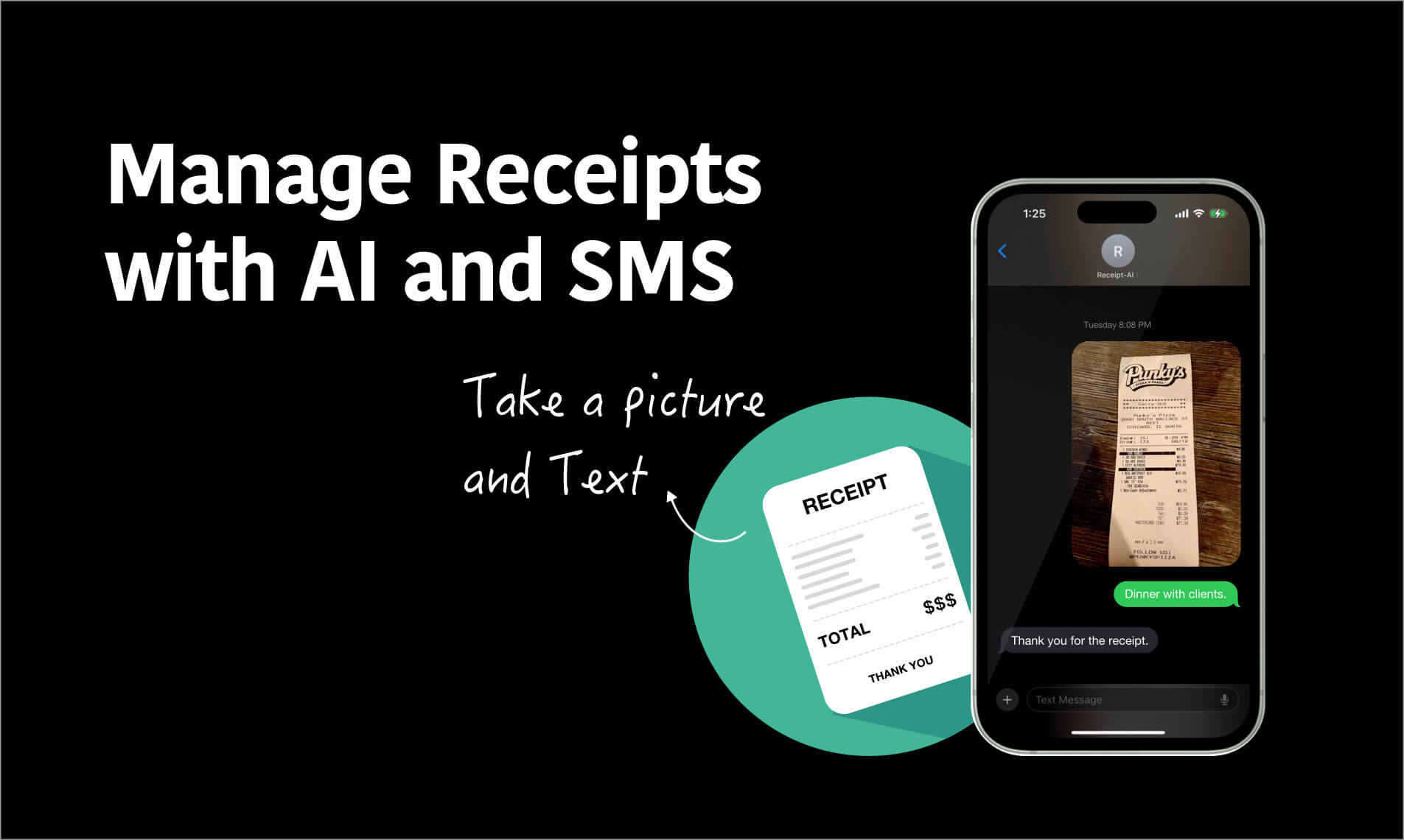
With Receipt AI, the ten seconds look like this: text the photo, get asked which job folder it belongs to, reply with the folder number. Done. No app to install, no login, no form. If your guy can send a photo to his buddy, he already knows how to do this.
The Monday-morning script
Don't send a memo. Don't add it to the handbook nobody reads. Say this at the Monday meeting, in your own words:
"New rule, and it's simple. Every time you buy anything for a job, you photograph the receipt at the counter and text it in before you leave the parking lot. That's the whole rule. No app, nothing to download, ten seconds."
"I'm not asking you to do paperwork. I'm asking for ten seconds at the counter. Here's why it matters: when a receipt goes missing, I can't bill it and I can't deduct it, and at tax time my accountant charges thousands just to reconstruct the year. That money comes out of the same pot as your raises."
Then the part that makes it stick — tie it to something they want:
"Receipts in by Friday, reimbursements out Monday. You want your money fast, I want my receipts fast. Same deal."
That's it. Skip the threats about docking pay — depending on your state, you probably can't do that anyway. The deal is speed for speed, and it's one both sides can feel.
The Friday 5-minute audit
One person — you, your dispatcher, whoever owns the books — spends five minutes every Friday comparing the week's purchases against the receipts that came in. Missing three? One text to the crew: "Missing Lone Star $84 Tuesday — whose was it?"
Two things make this painless. First, Receipt AI records who uploaded each receipt, so "whose was it" is usually already answered — you see the name without having to ask. Second, mark finished jobs completed: the folder leaves the active choice list, so nobody files new receipts to a dead job by accident.
That Friday text is the consequence. Not a write-up, not a lecture — visibility. Without some kind of consequence, a policy is just a suggestion. The audit is the consequence, and it costs five minutes a week.
What changes in 30 days
Week one, you'll still chase a few. Week two, the Friday text gets shorter. By week four, something shifts: the crew stops treating it as paperwork and starts treating it as a ten-second habit, like buckling a seatbelt.
And the numbers change. Your job costs stop being guesses, which means your next bid is built on real numbers instead of vibes. Reimbursements go out without the shoebox shuffle. And tax time — the season one CPA guide says can open with $1,500 to $3,000 in cleanup fees for shops that show up with a mess — starts with a search box instead.
FAQ
What if one tech just keeps "forgetting"?
The Friday audit names the gap every single week, in front of everyone. Most people fix it within two Fridays. If it's still happening after a month, it's not the system — it's the person, and that's a different conversation.
Do my guys need to install anything?
No. Text, WhatsApp, or email — whatever they already use. There is no app to download and no login to remember, which is exactly why this works where expense apps don't.
What about cash purchases with no real receipt?
Photograph whatever paper exists — even a handwritten one — and add a memo with what it was and which job it was for. A documented cash purchase beats an undocumented one every time, at tax time and in a dispute.
Who picks the job folder — the tech or the office?
Either. The tech can reply with the folder number at the counter; if he's not sure, he types the job name and the office files it later. The photo has to arrive now — sorting can wait.
We don't have QuickBooks. Does this still work?
Yes. Folders, line items, and CSV export all work on their own. And if you have QuickBooks Online or Xero, receipts sync over when you're ready.
Stop chasing. Start collecting.
Receipt AI works over text, WhatsApp, and email — nothing for your crew to install and nothing for them to learn. Your first 10 receipts are free. Announce the 10-second rule Monday morning; by Friday, you'll know exactly where every dollar went.