You already export receipts as CSV.
Now you can download the actual receipt files too.
One click. Clean filenames. Ready for your local records.
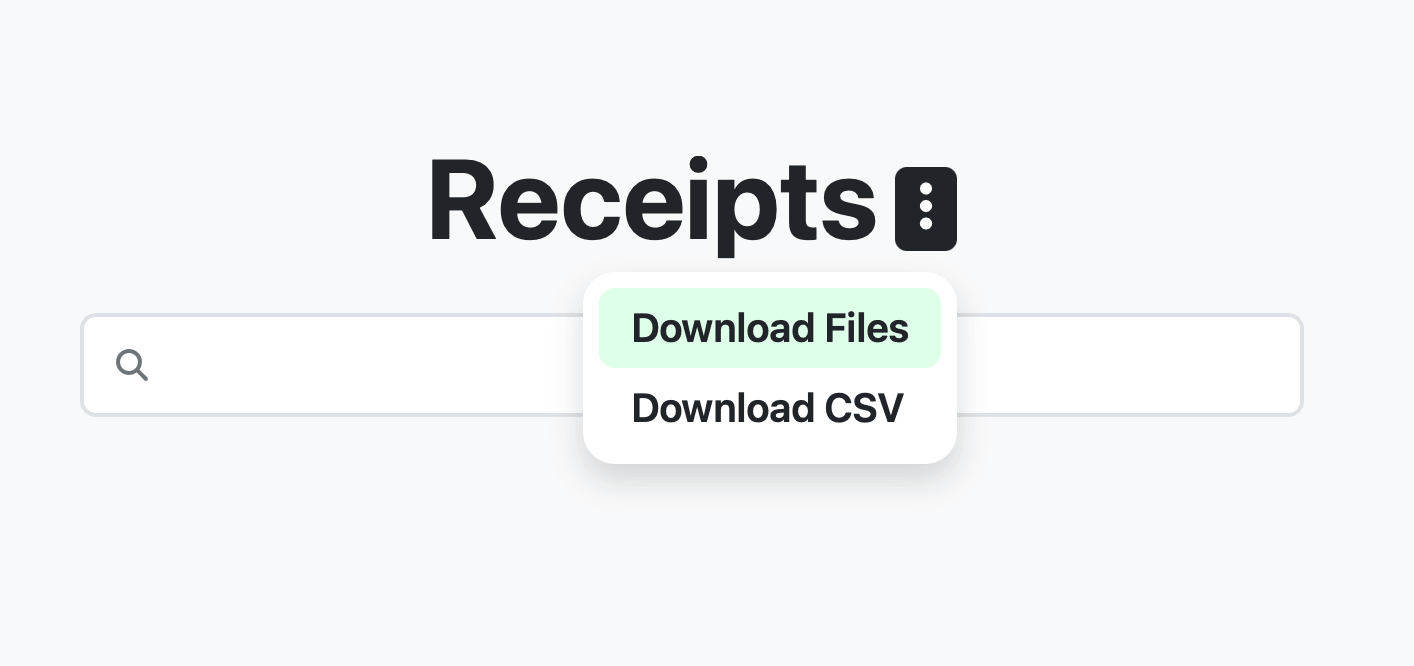
Download Receipt Files from the Receipts Page
You can download receipt images and PDFs directly from the Receipts page.
Open the menu and click Download Files.
Receipt AI automatically bundles the receipts and downloads them to your device.
Download Only the Receipts You Need
Before downloading, you can filter or sort your receipts.
Available filters include:
- Date range
- Member
- Folder
- Search (vendor, notes, or keywords)
When you click Download Files, Receipt AI will only download the receipts currently shown in your results.
Automatic Receipt File Naming
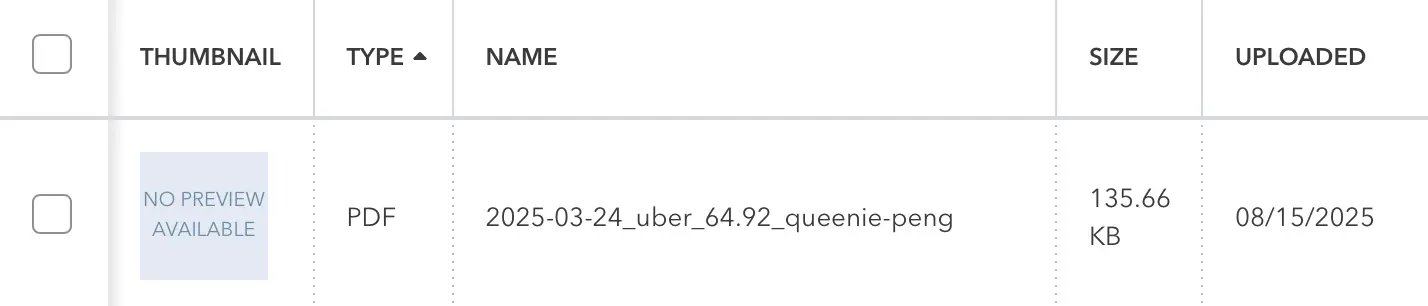
To keep your local records organized, every receipt file is automatically renamed using this format:
Date-VendorName-Total-Member
Examples:
2026-02-14-Starbucks-8.50-James-Williams.pdf
2026-02-18-Amazon-42.99-Mary-Brown.jpg
Using the member’s full name makes it easy to identify who submitted each receipt.
CSV Export Still Available
You can still export receipt data as CSV.
Now you have two export options:
- Download CSV — export structured expense data
- Download Files — download the original receipt images and PDFs
Use them together for accounting, reporting, or audits.
Available for All Plans
The Download Files feature is available on all Receipt AI plans. No upgrade required.
Simple by Design
Receipt AI removes busywork from expense management.
No renaming files.
No manual sorting.
No complicated exports.
Just click Download Files. Everything arrives organized.
Frequently Asked Questions
Can I download only specific receipts?
Yes. Apply filters such as date range, member, folder, or search terms before downloading. Receipt AI will only download the receipts shown in your current results.
What format are the receipts downloaded in?
Receipts are downloaded in their original file format, such as PDF or image files.
How are receipt files named?
Receipt AI automatically renames each file using the format Date-VendorName-Total-Member to make local records easier to organize and search.
Is downloading receipt files available on all plans?
Yes. Downloading receipt files is available on all Receipt AI plans.