A receipt book is a paper booklet used to write receipts for sales, payments, and other transactions. It usually includes fields for the date, customer name, item description, amount paid, payment method, and signature. A receipt book is useful when you need to give someone proof of payment right away.
But if your real problem is keeping business receipts organized for bookkeeping, taxes, QuickBooks, or Xero, a paper receipt book may not solve enough of the workflow. It records a transaction, but it does not extract receipt details, categorize expenses, search old receipts, or sync records with accounting software.
Need to organize business receipts?
A receipt book helps you write receipts. Receipt AI helps you collect receipts, extract the details, categorize expenses, and keep records ready for bookkeeping.
Receipt book example
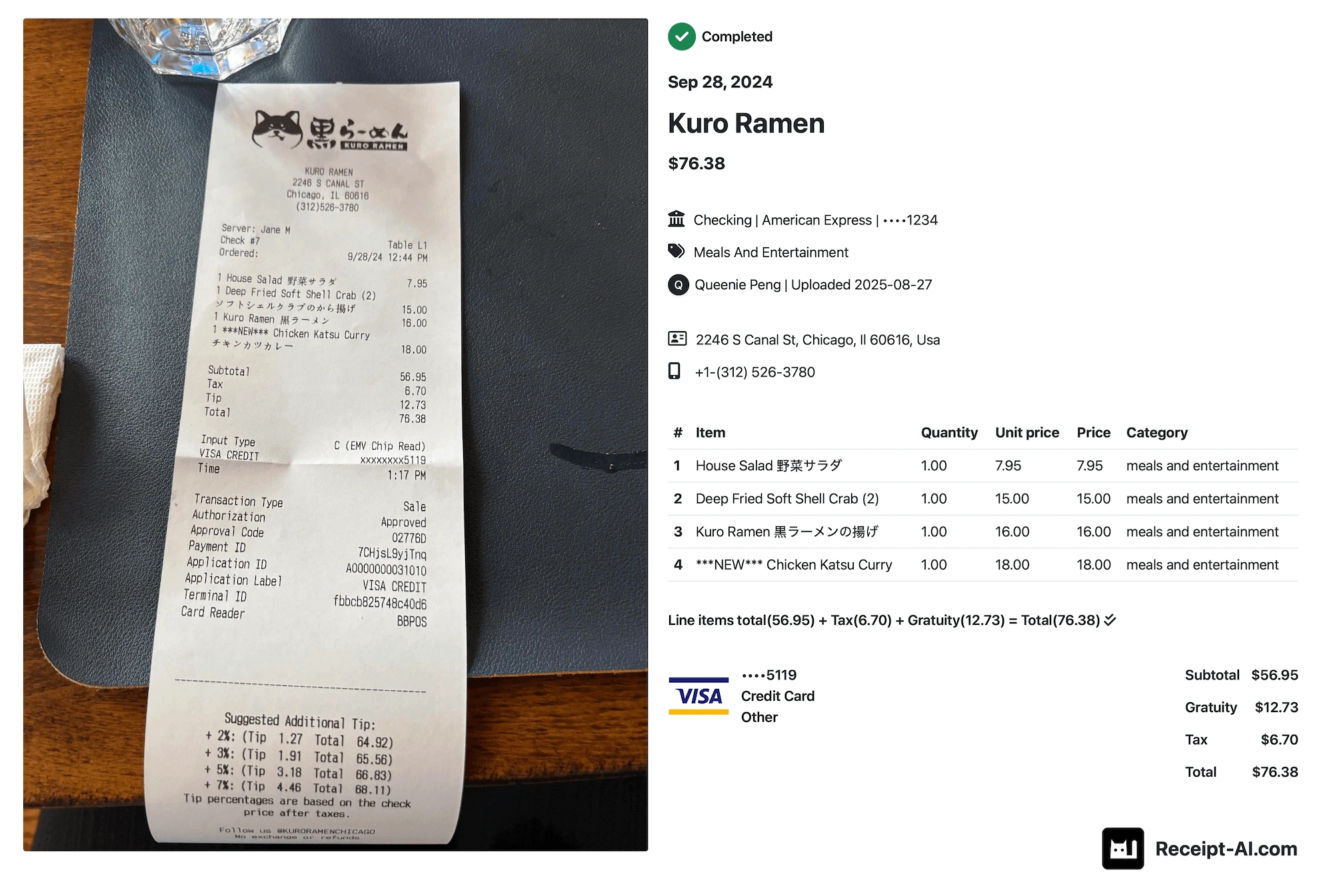
A traditional receipt book is simple: write the transaction details on paper and keep a copy. The example below compares that paper workflow with a digital receipt tracking workflow in Receipt AI.


Left: paper receipt book for writing transaction records.
Right: Receipt AI for collecting and organizing business receipts.
What is a receipt book used for?
A receipt book is used to create a written record that a payment happened. It is most helpful for small businesses, contractors, vendors, landlords, service providers, and cash-based transactions where the customer needs a receipt immediately.
A receipt book can help you write down:
- Customer name and contact details
- Date of payment
- Products or services sold
- Quantity, price, tax, and total amount
- Payment method, such as cash, card, check, or account credit
- Business name, seller name, and signature
The problem with receipt books for bookkeeping
Receipt books are good at creating receipts. They are not as good at managing receipts after the transaction. Once the paper copy is written, someone still has to store it, find it later, enter the details, categorize the expense, and share the record with a bookkeeper or accountant.
That is where many businesses lose time. The receipt exists, but it is not searchable. The amount is written down, but the expense is not categorized. The paper copy is saved, but it is not connected to QuickBooks Online, Xero, or your month-end bookkeeping process.
If you only need to issue a receipt, a receipt book can be enough. If you need to organize business receipts and prepare accounting records, you may need a receipt tracking system instead.
Receipt book vs Receipt AI
A paper receipt book records a transaction manually. Receipt AI helps manage the receipt after it is created or collected. That difference matters if your team handles many receipts or wants cleaner records for bookkeeping.
| Task | Paper receipt book | Receipt AI |
|---|---|---|
| Give a customer proof of payment | Works well | Not the main use case |
| Collect receipts from a team | Manual follow-up | Upload by SMS, email, or web |
| Extract merchant, date, total, and line items | Manual entry | AI extraction |
| Categorize expenses | Manual review | AI-assisted categorization |
| Find old receipts | Search through paper copies | Search digital receipt records |
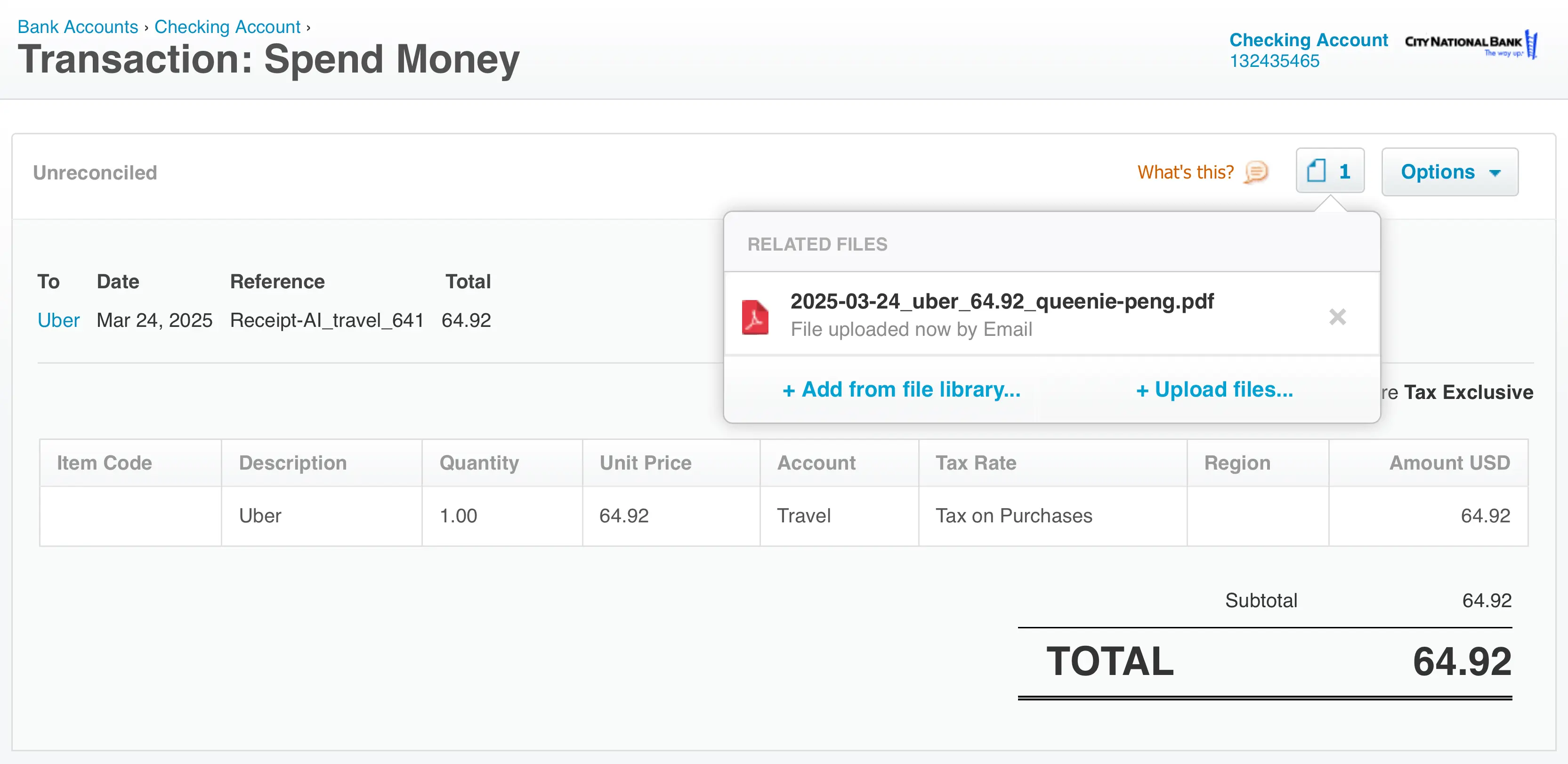
| Use with accounting software | Manual transfer | Built for QuickBooks Online and Xero workflows |
When a paper receipt book is enough
A paper receipt book may be enough if you only issue a few receipts, mostly accept in-person payments, and do not need to search, categorize, or sync receipt records later. It is simple, inexpensive, and easy to use without software.
For example, a vendor at a local event might use a receipt book to give customers proof of payment. If the business only needs that paper trail, the receipt book does its job.
When Receipt AI is a better fit
Receipt AI is a better fit when your business needs to collect, organize, and process receipts after the purchase. This is common for small business owners, accountants, bookkeepers, contractors, consultants, and teams that collect receipts from employees.
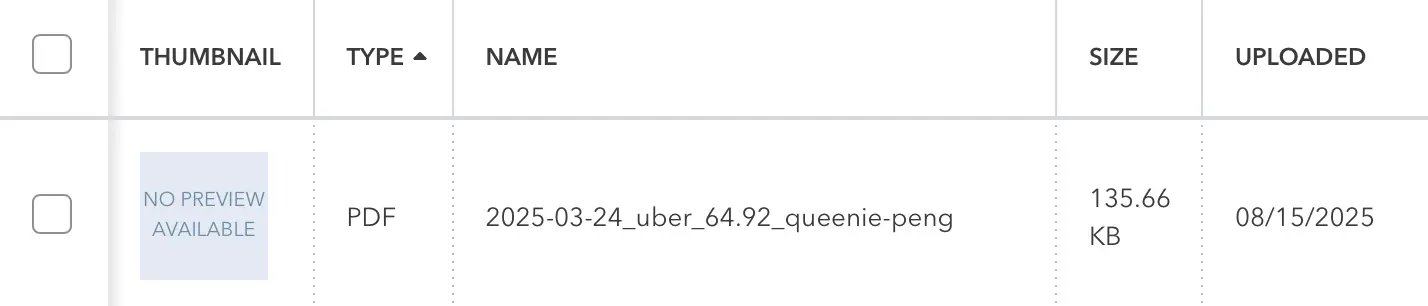
With Receipt AI, you can send receipts by SMS, email, or web upload. Receipt AI can extract details like merchant, date, total, payment method, category, and line items, then help keep those records ready for bookkeeping.
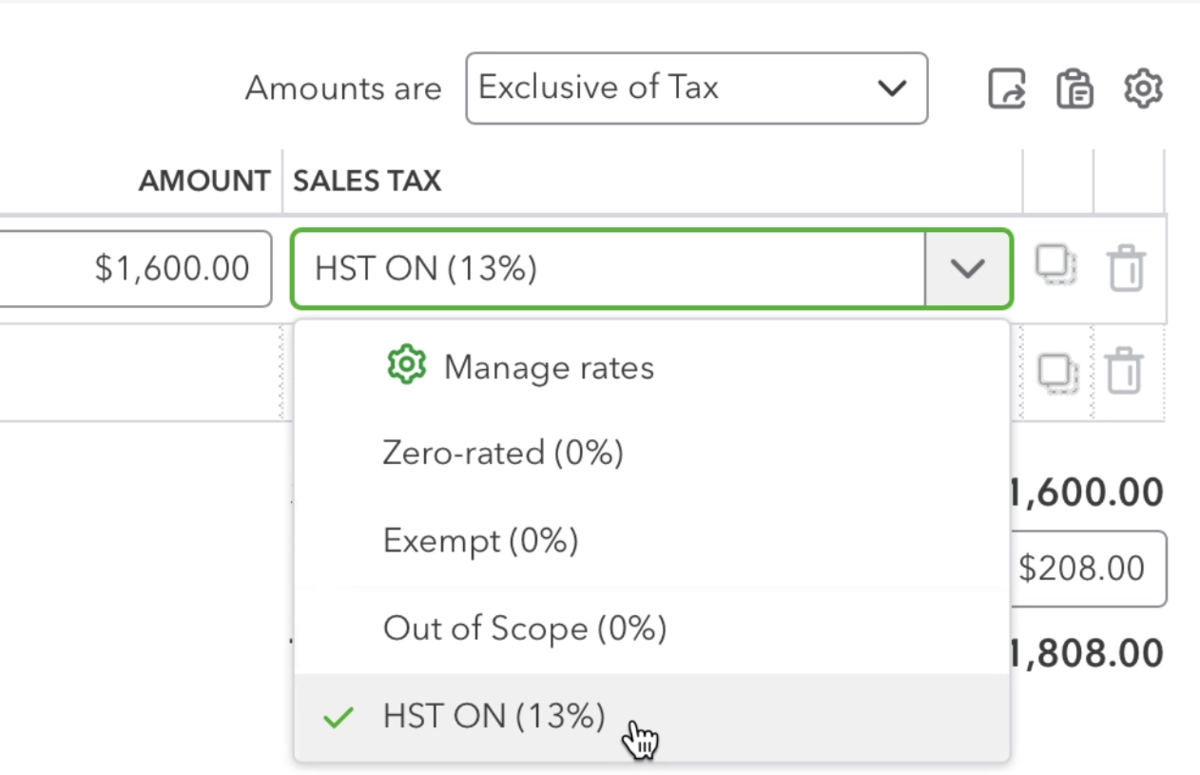
If your accounting workflow is built around software, see how Receipt AI works with QuickBooks Online or Xero.
How to move from paper receipt tracking to digital receipt tracking
You do not have to change everything at once. Many businesses start by keeping their existing receipt process, then using Receipt AI to organize the receipts after they are collected.
- Take a photo of a receipt
- Send it to Receipt AI by SMS, email, or web upload
- Let AI extract the receipt details
- Review categories and line items when needed
- Keep the receipt organized for bookkeeping, tax records, QuickBooks, or Xero
Receipt book FAQ
What is a receipt book?
A receipt book is a paper booklet used to write receipts for payments or sales. It gives the customer and the business a record of the transaction.
What is the main purpose of a receipt book?
The main purpose of a receipt book is to document that a payment happened. It can also help businesses keep basic sales records.
What should be written in a receipt book?
A receipt book should usually include the date, receipt number, customer name, item or service description, amount paid, payment method, business name, and signature when needed.
Is a receipt book enough for business bookkeeping?
Sometimes, but not always. A receipt book can record transactions, but businesses may still need to enter the data, categorize expenses, store receipts, and share records with accountants or accounting software.
What is the modern alternative to a receipt book?
For businesses that need more than handwritten transaction records, a modern alternative is receipt tracking software. Receipt AI helps collect receipts, extract details, categorize expenses, and keep receipt records organized.
Can Receipt AI replace a paper receipt book?
Receipt AI does not replace every use case for issuing a handwritten customer receipt. It is better for the next part of the workflow: collecting receipts, extracting receipt data, organizing expenses, and preparing records for bookkeeping.
Keep receipts without chasing paper
If you came here looking for a receipt book because your business needs better records, Receipt AI may be the simpler next step. Upload receipts by SMS, email, or web upload, then let AI extract and organize the details.
Start with Receipt AI and see whether digital receipt tracking fits your workflow better than another stack of paper receipts.